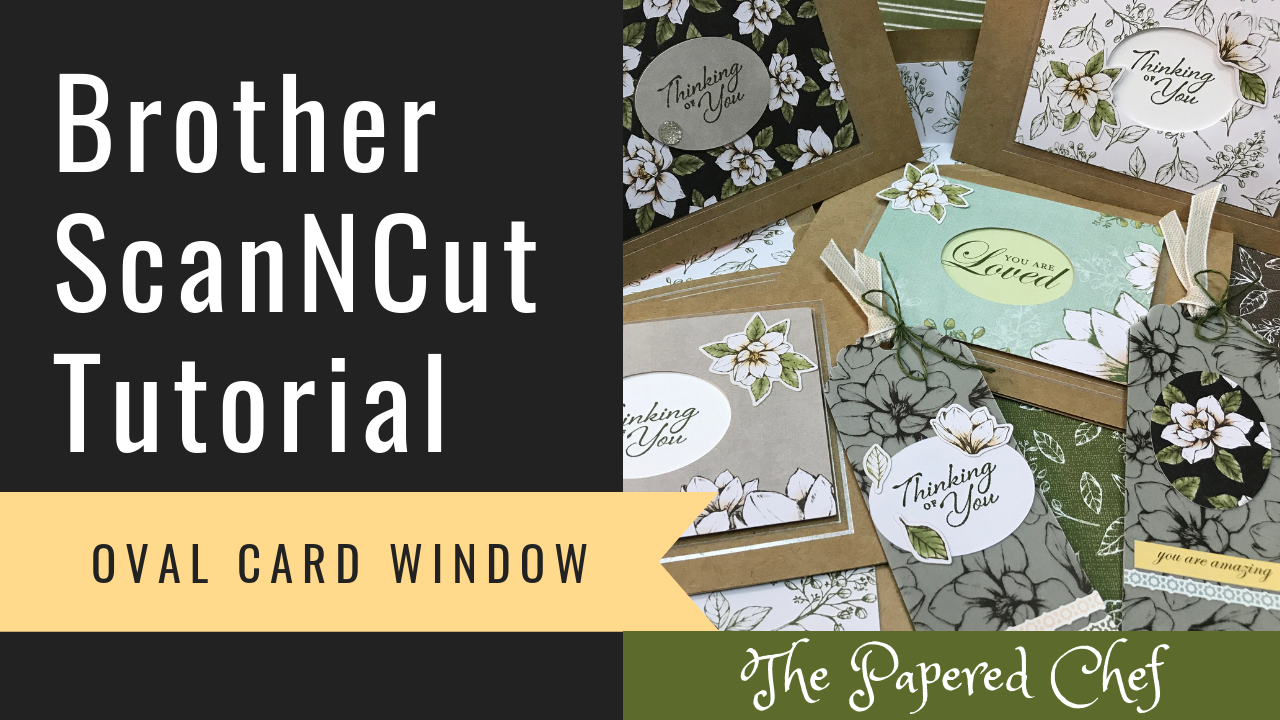
In this Brother ScanNCut Tips and Tricks video, I share how to create an oval window card. The oval window we will cut out is from the Magnolia Lane Memories & More Card Pack. If you cut an oval out... Read more
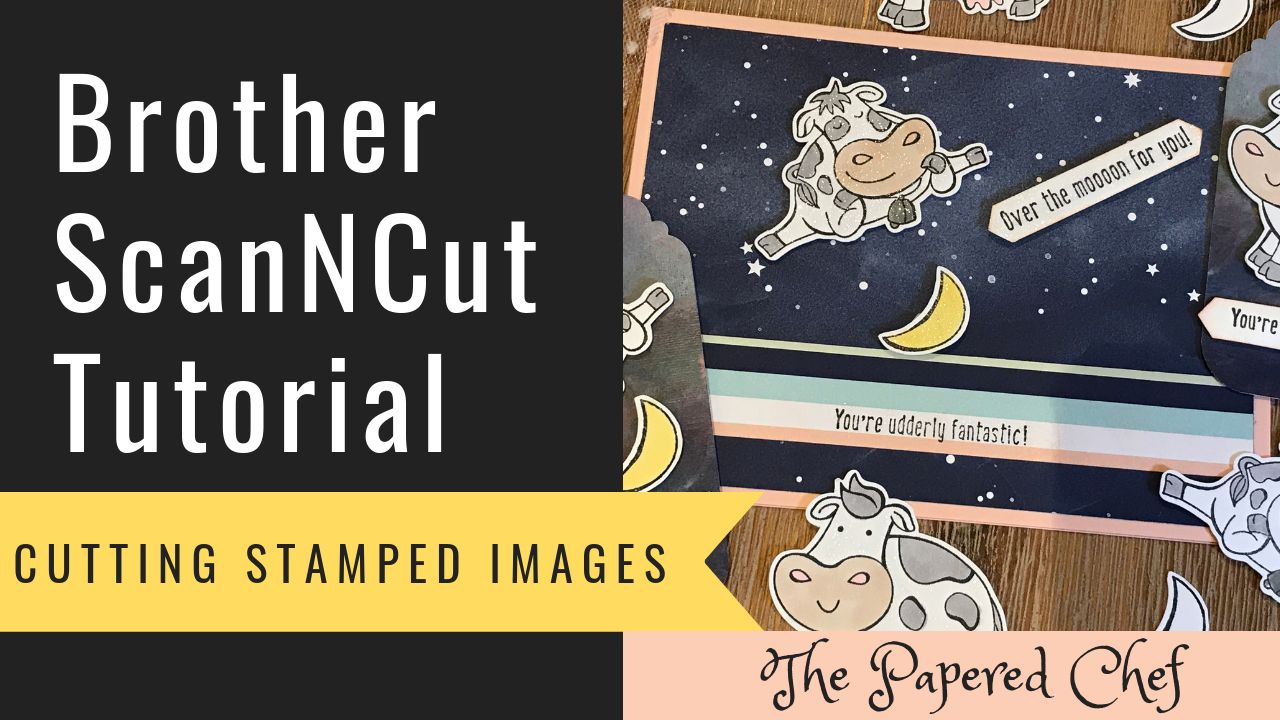
In this Brother ScanNCut Tutorial, you will learn how to cut out stamped images using your Brother Scan and Cut. The stamped images we will cut out are from the Over the Moon stamp set by Stampin’ Up! It is... Read more
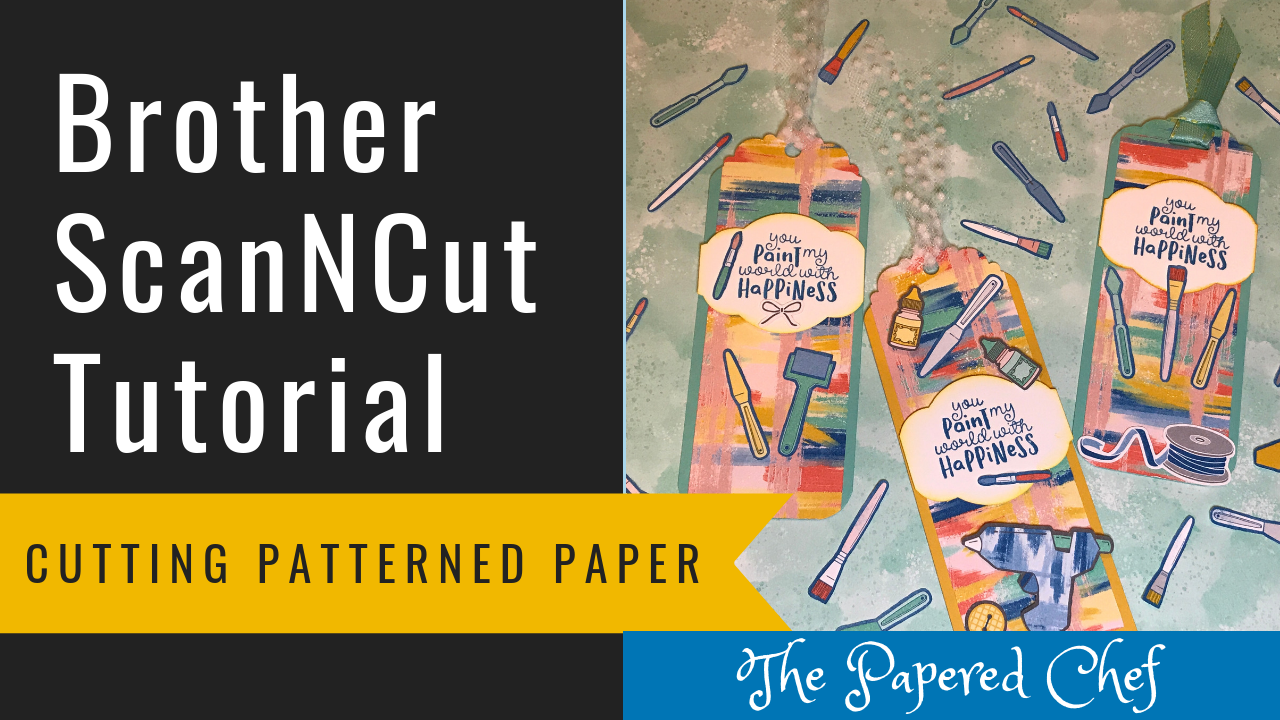
In this video, you will learn how to cut out patterned paper using your Brother Scan and Cut. You will also get a sneak peek of a few 2019-2020 Annual Catalog products. The designer series paper we are cutting out... Read more
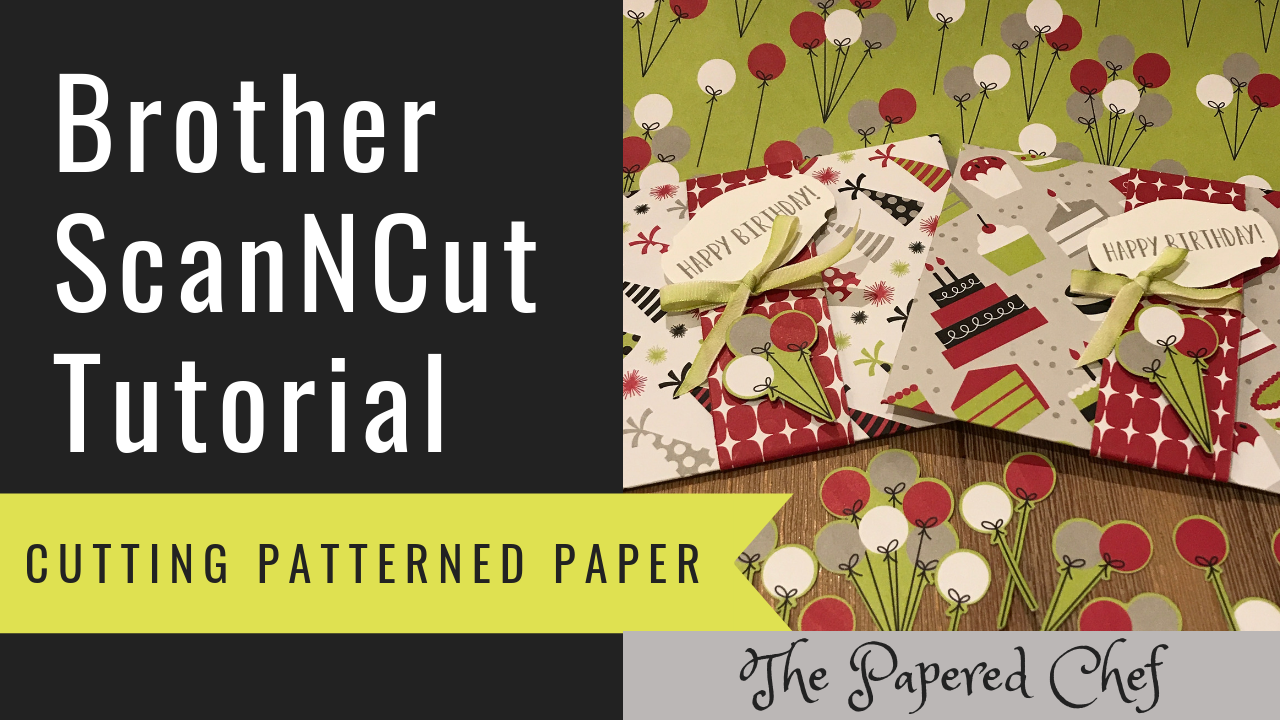
In this tutorial, you will learn how to cut out patterned paper using the Brother Scan and Cut. The paper we will be using is Broadway Bound designer series paper by Stampin’ Up! It is part of the 2018-2019 Annual... Read more
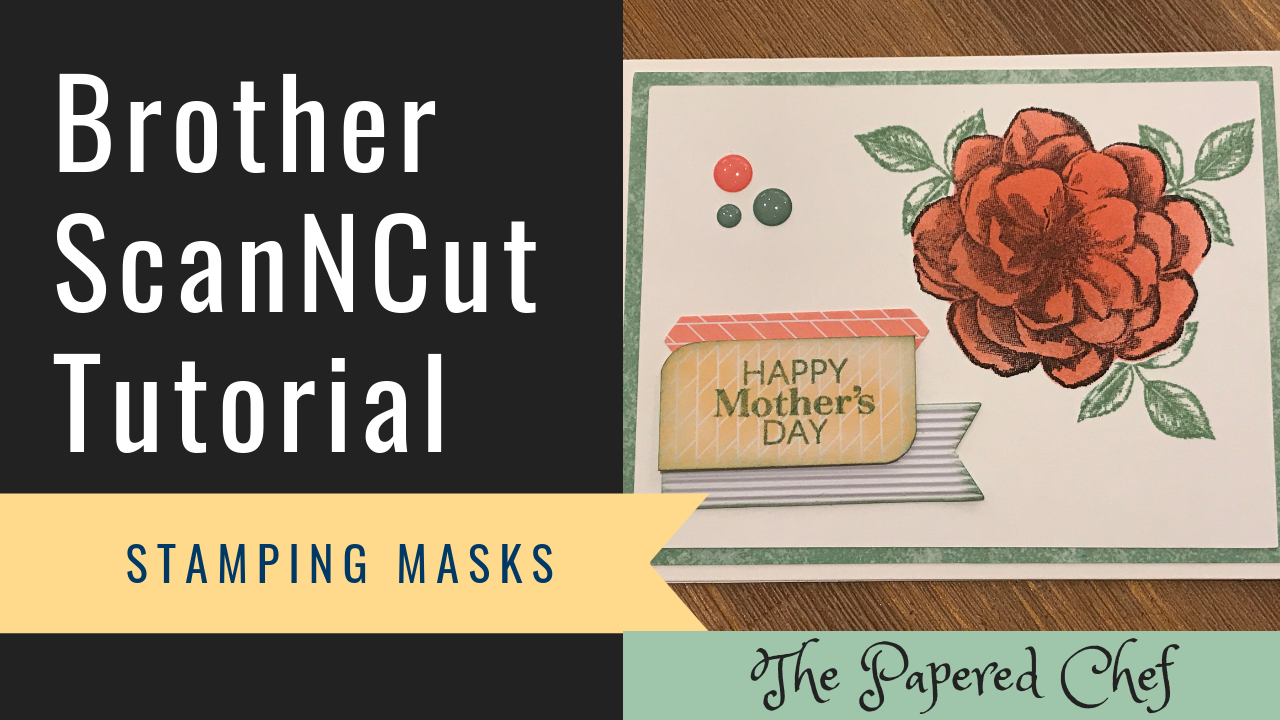
In this Brother ScanNCut Tips & Tricks video, you will learn how to create a stamping mask or stencil using your Brother Scan and Cut. The stamped image we will cut out is from the Sentimental Rose Paper Pumpkin kit... Read more
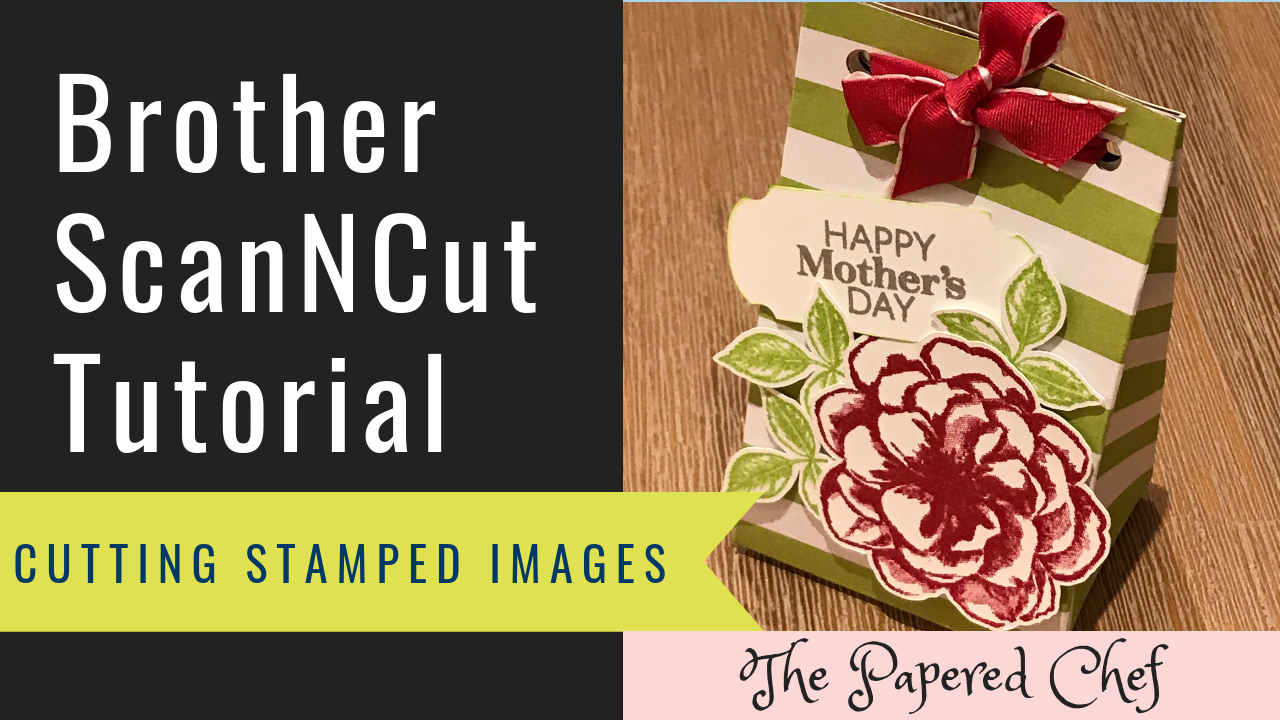
In this Brother ScanNCut Tips & Tricks video, you will learn how to cut out stamped images using your Brother Scan and Cut. The stamped image we will cut out is from the Sentimental Rose Paper Pumpkin kit by Stampin’... Read more
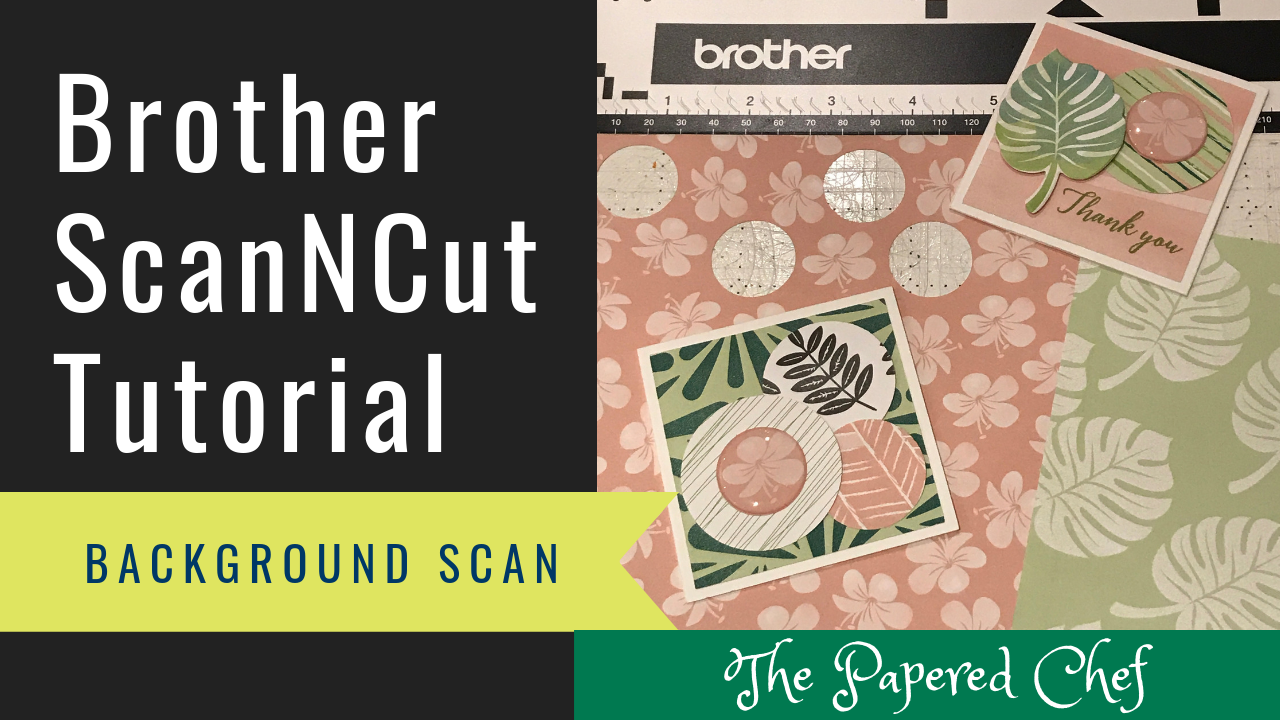
In this video, I go over how to use the Auto Layout setting on your Brother Scan and Cut projects. I start out by adding 2″ hearts to the mat after selecting the heart from the built in pattern. That... Read more
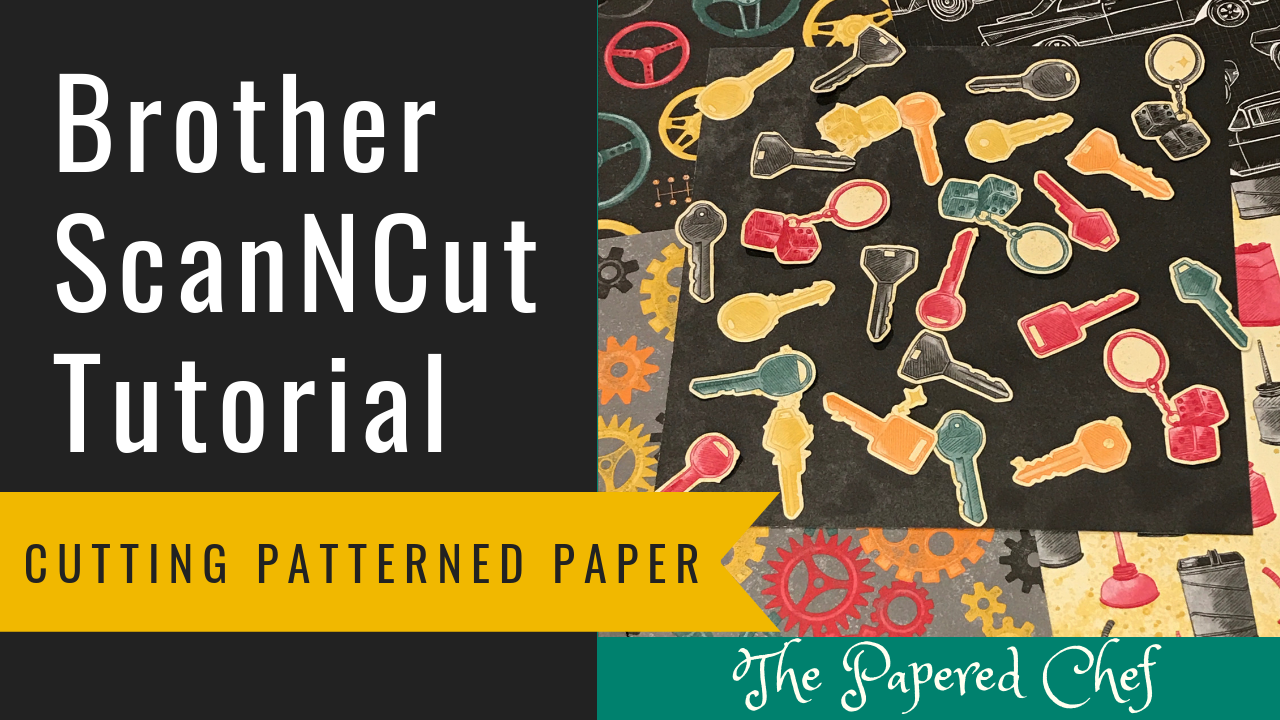
In this tutorial, you will learn how to cut out patterned paper using the Brother Scan and Cut. The model of ScanNCut we are using is the CM350 or ScanNCut 2. The paper we are cutting out is Classic Garage... Read more
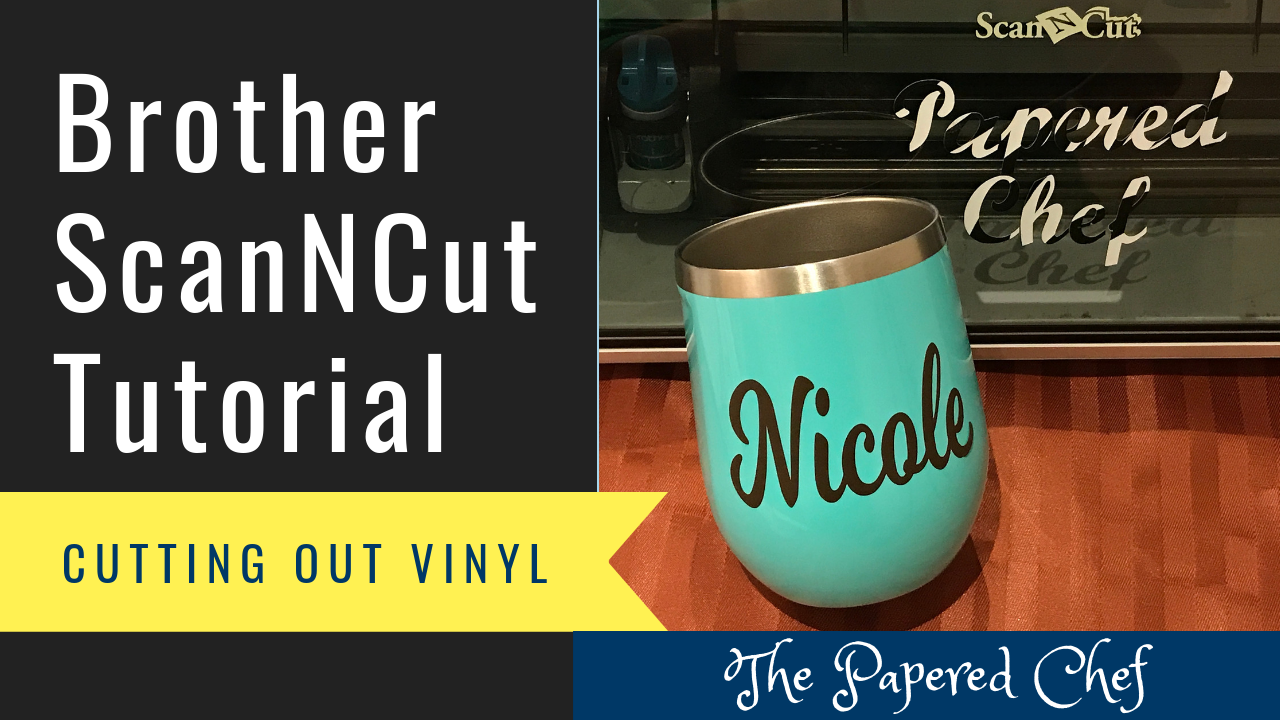
In this tutorial, you will learn how to personalize a coffee mug using your Brother ScanNCut. The model of Scan and Cut used is the CM350 or ScanNCut 2. First, I showed how to use the PC version of Brother... Read more
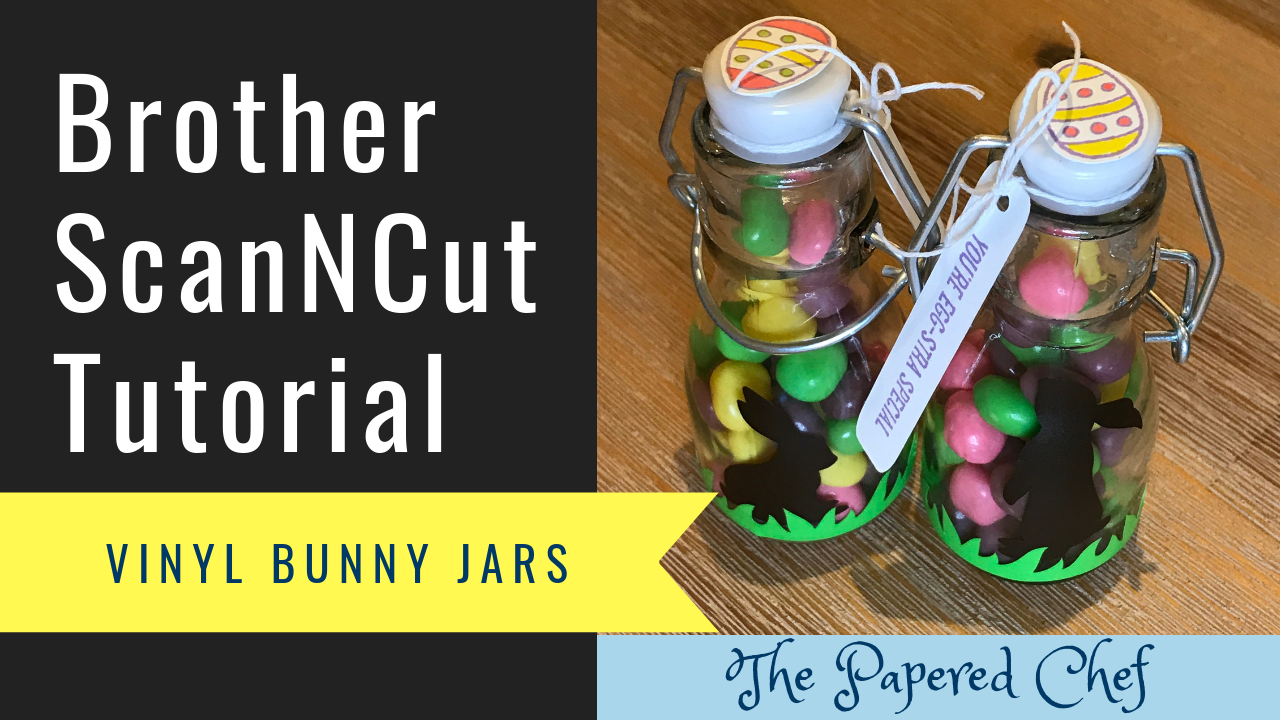
In this tutorial, you will learn how to use the Brother ScanNCut to create vinyl bunnies and grass and how to use them to decorate glass jars. You can apply these concepts to any home decor project you want to... Read more