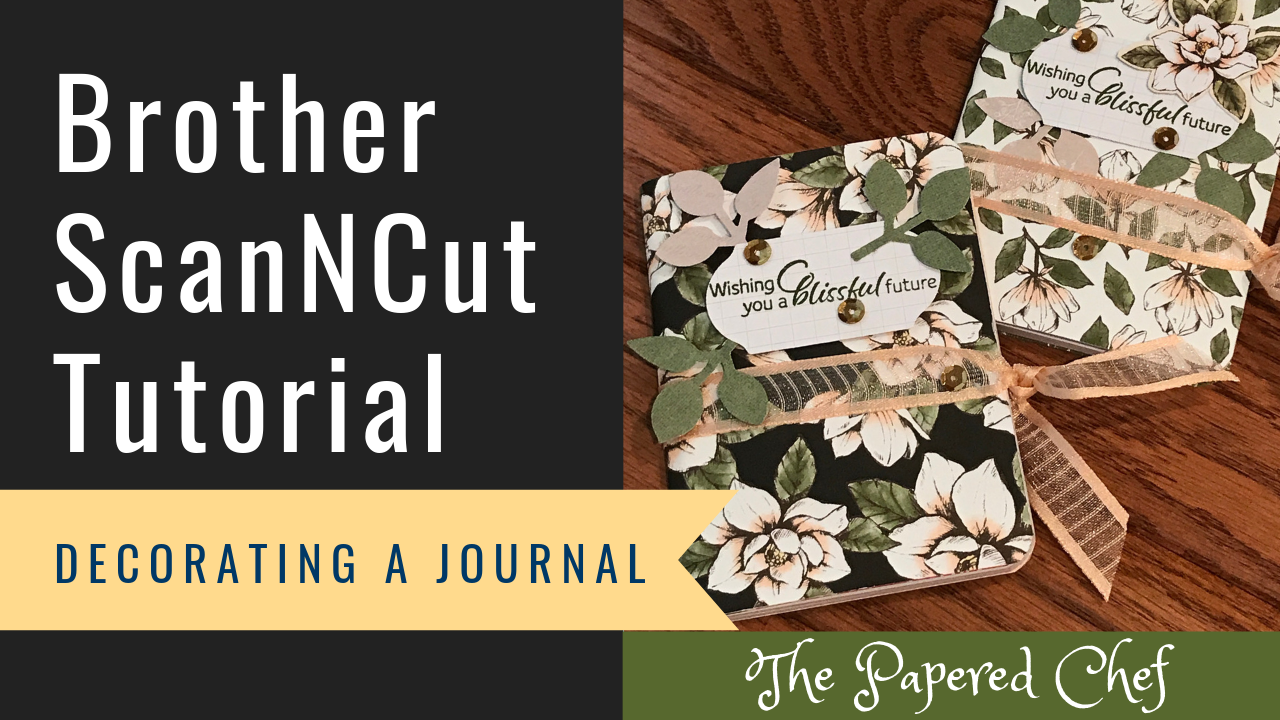
In this tutorial, I demonstrate how to decorate mini composition journals from the Dollar Tree. I used the Brother ScanNCut SDX125 to cut out the rectangles and prior to the tutorial, to cut out the patterned paper as well. I... Read more
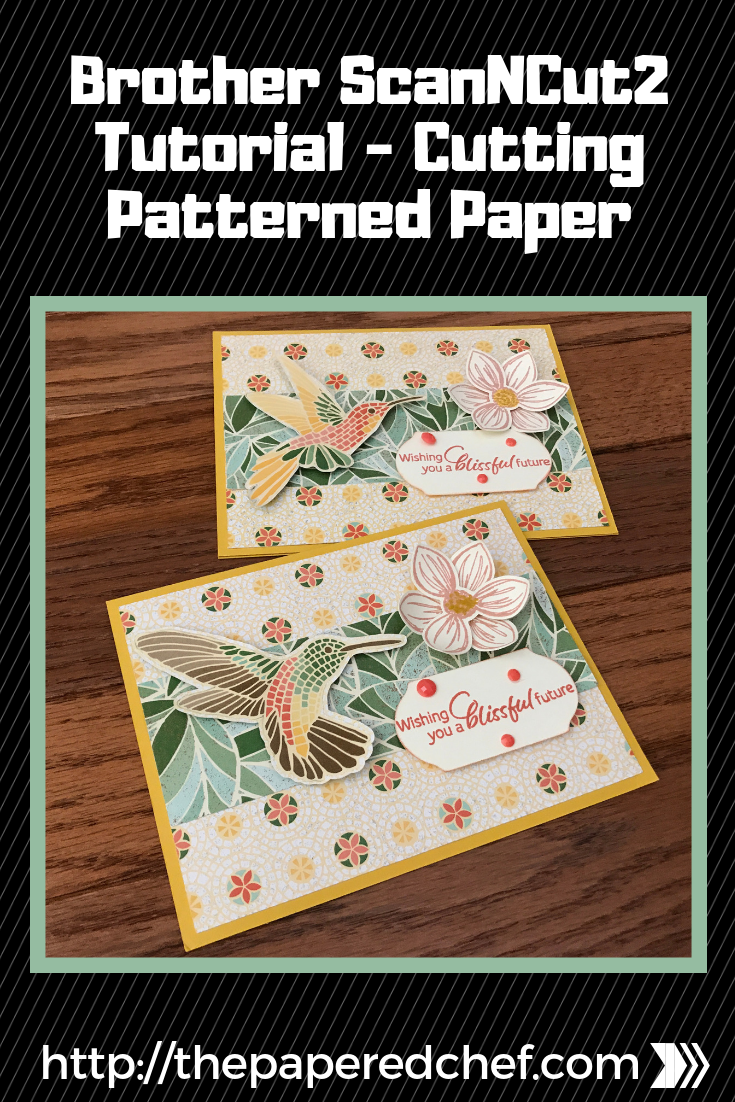
In this tutorial, you will learn how to cut out patterned paper using the Brother ScanNCut. The patterned paper we will cut out is Mosaic Mood dsp by Stampin’ Up! The model of Scan and Cut we are using is... Read more

In this tutorial, you will learn how to cut out stamped images using the Brother ScanNCut SDX125. The stamp set featured in this tutorial is Over the Moon by Stampin’ Up! I demonstrated several features and settings including how to... Read more
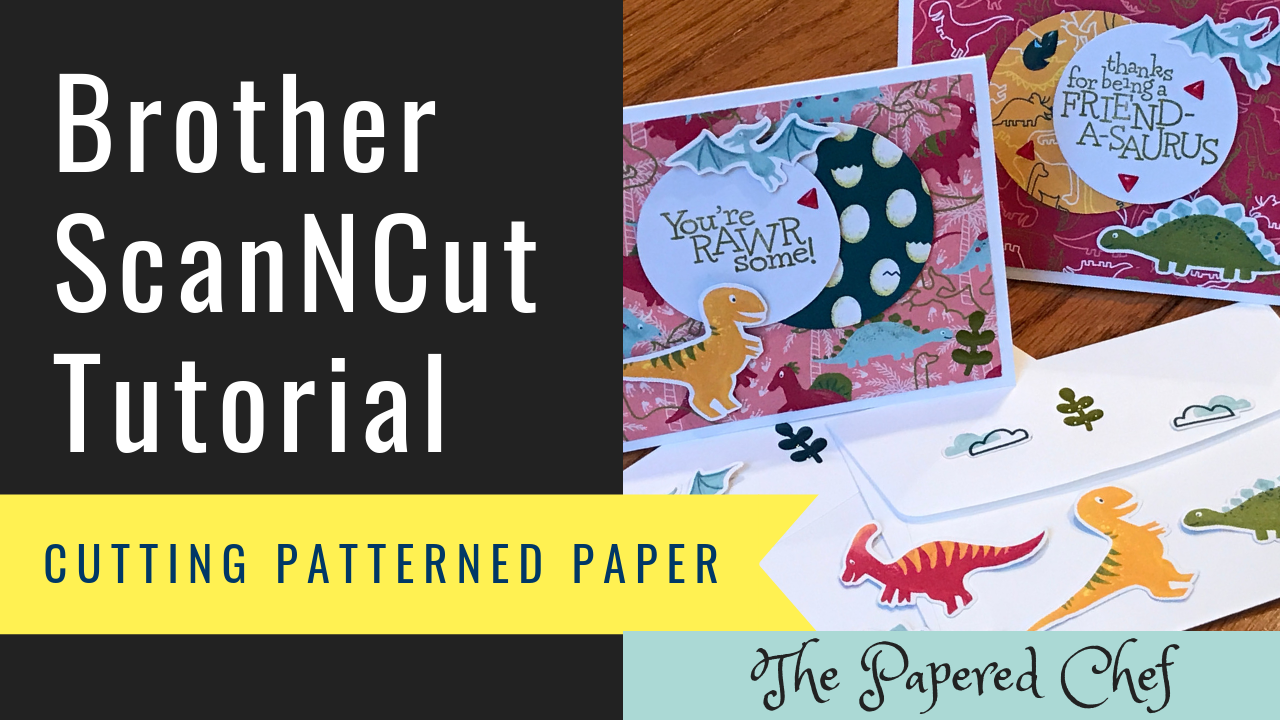
In this video tutorial, you will learn how to cute out patterned paper using the Brother Scan and Cut. The projects I created used embellishments from the Dinoroar designer series paper by Stampin’ Up! which is in our 2019 –... Read more
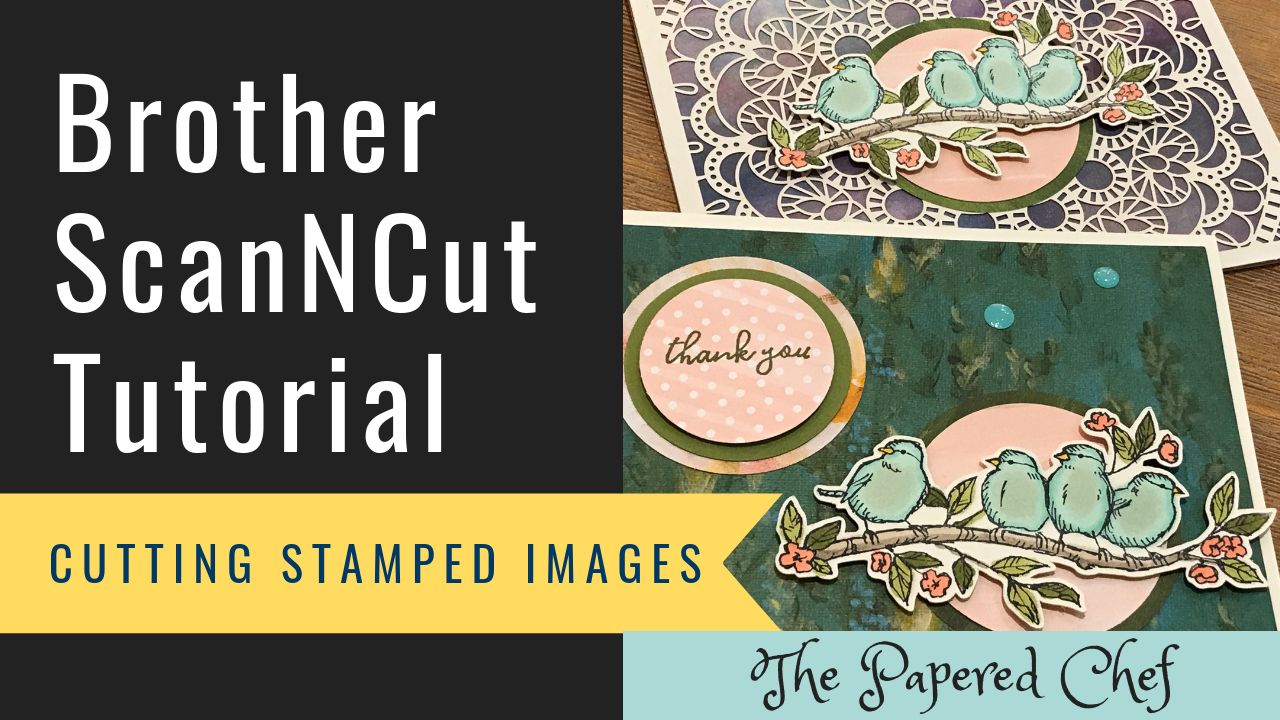
In this Brother Scan and Cut tutorial, you will learn how to cut out stamped images. The stamp set is Free As a Bird. It is part of the Bird Ballad suite by Stampin’ Up! I’m using the CM350 or... Read more
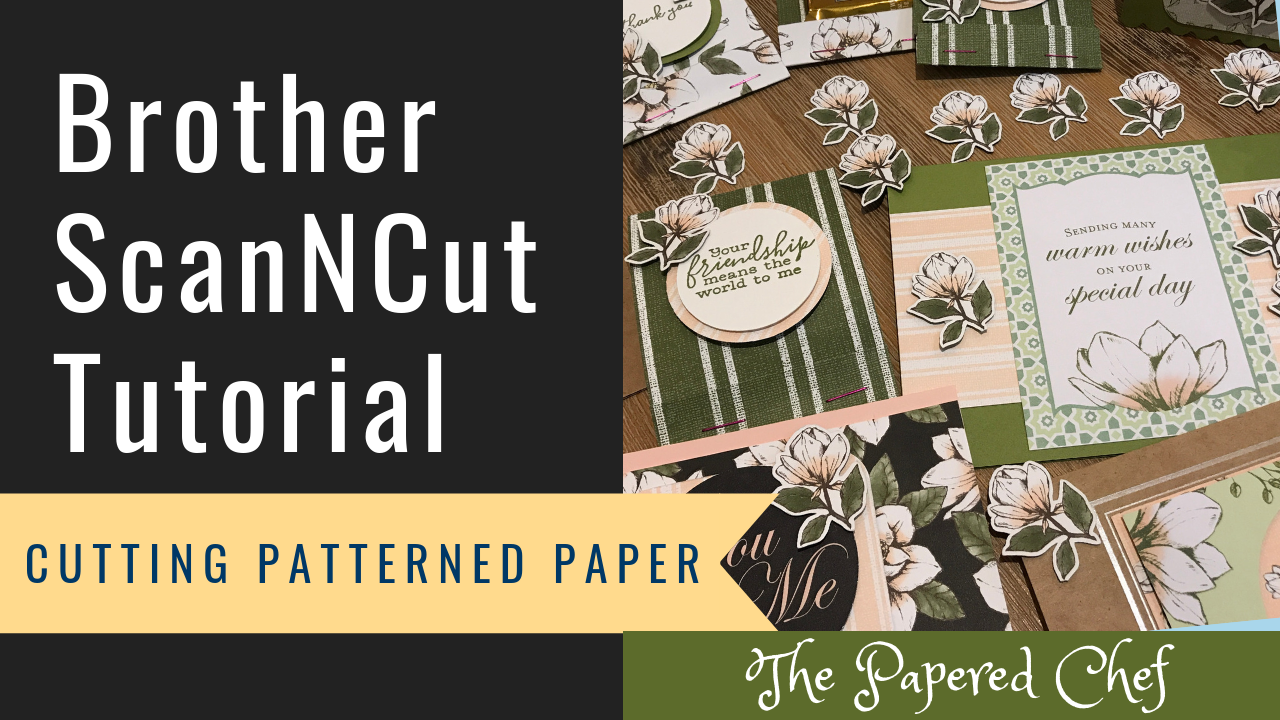
In this Brother Scan and Cut tutorial, you will learn how to cut out patterned paper. The designer series paper is from the Magnolia Lane suite by Stampin’ Up! I’m using the CM350 or ScanNCut 2. I share tips and... Read more
Brother ScanNCut Tips & Tricks – Scan to Cut Data vs Direct Cut – Hugs from Shelli Paper Pumpkin Kit
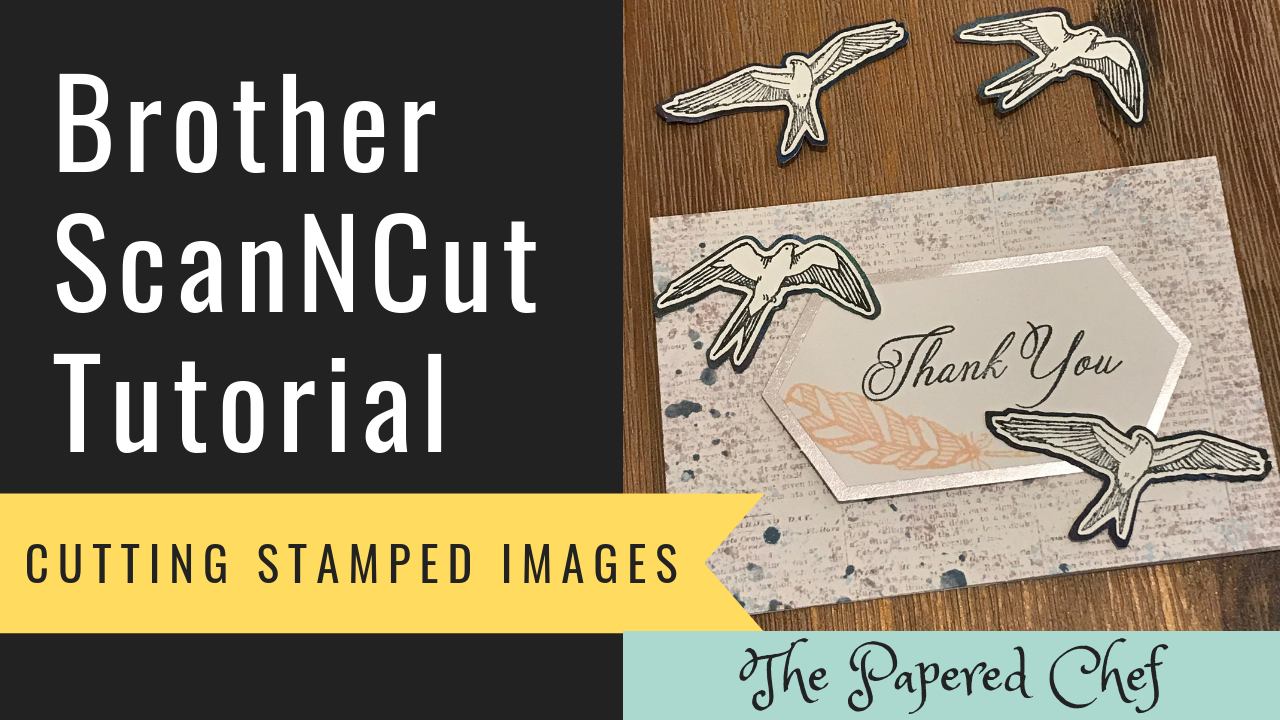
Recipe: In this video, you will learn how to cut out stamped images using the Brother ScanNCut. The Scan and Cut we will be using is the CM350 or Scan and Cut 2. You can follow this tutorial with any... Read more
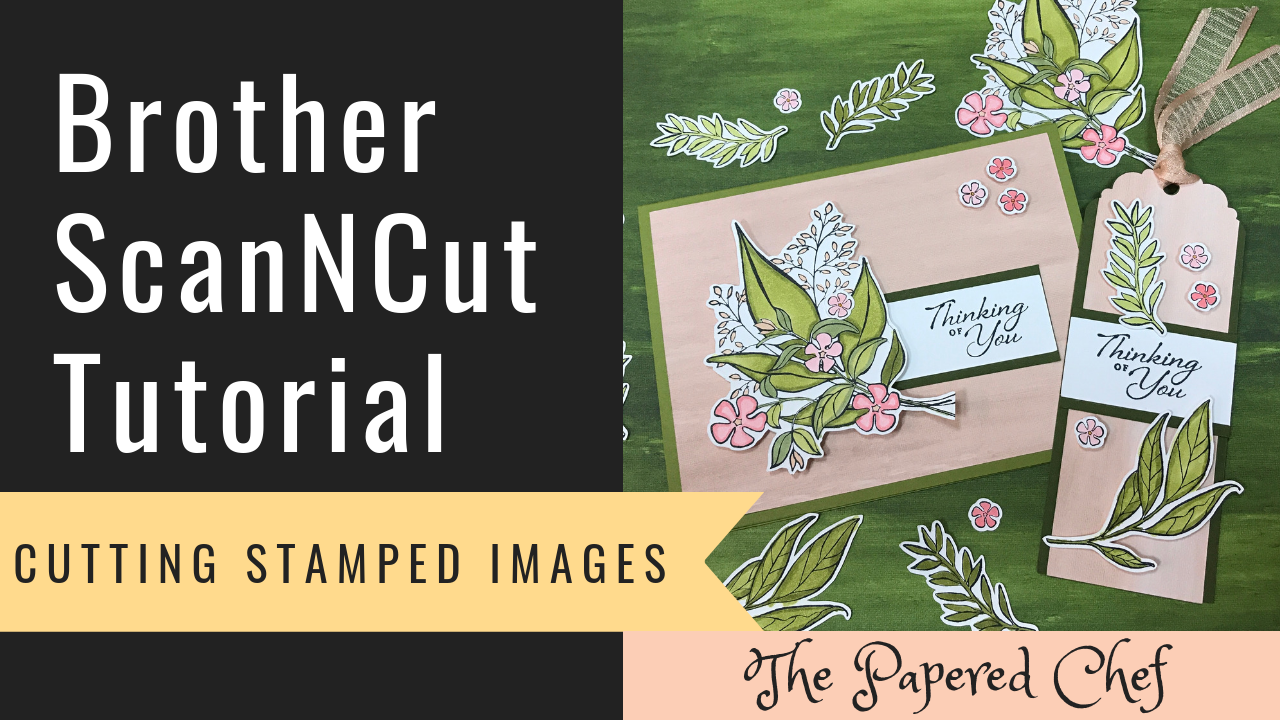
In this Brother ScanNCut Tips & Tricks video, you will learn how to cut out stamped images using your Brother Scan and Cut. The stamped images we will cut out are from the Wonderful Romance stamp set by Stampin’ Up!... Read more
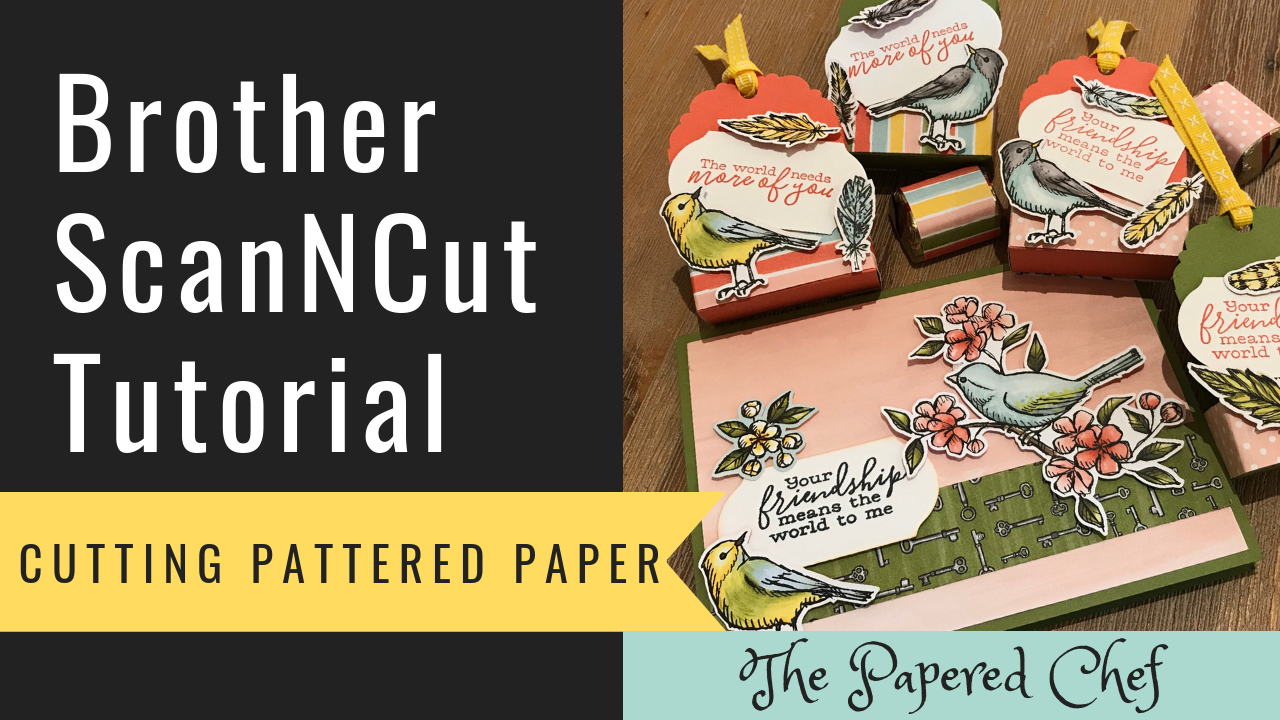
In this Brother Scan and Cut tutorial, you will learn how to cut out patterned paper. The designer series paper is from the Bird Ballad suite by Stampin’ Up! I used Direct Cut, Black & White Recognition Mode and a... Read more
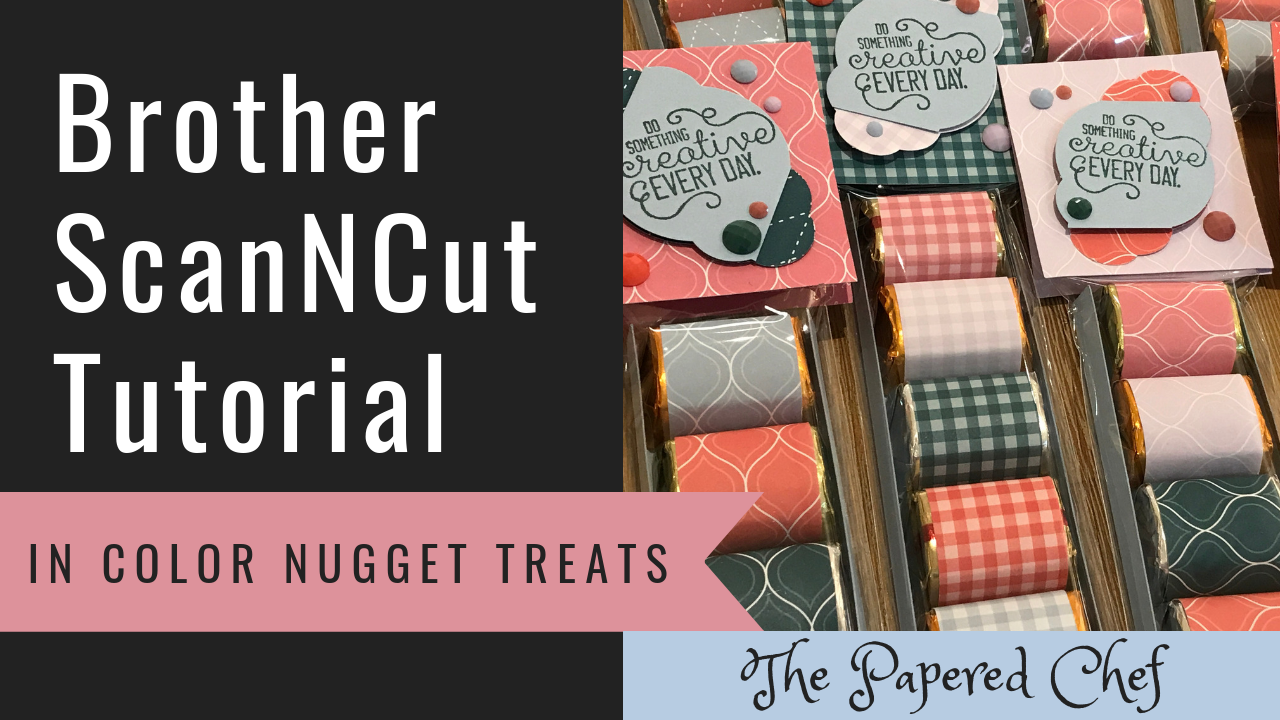
In this tutorial, I outline the steps used to create Hershey Nugget treats which showcase the new 2019-2021 In Colors by Stampin’ Up! I’m using the CM350 or ScanNCut 2 for this tutorial. Nugget TraySeaside Spray Card StockTray = 4.95″... Read more