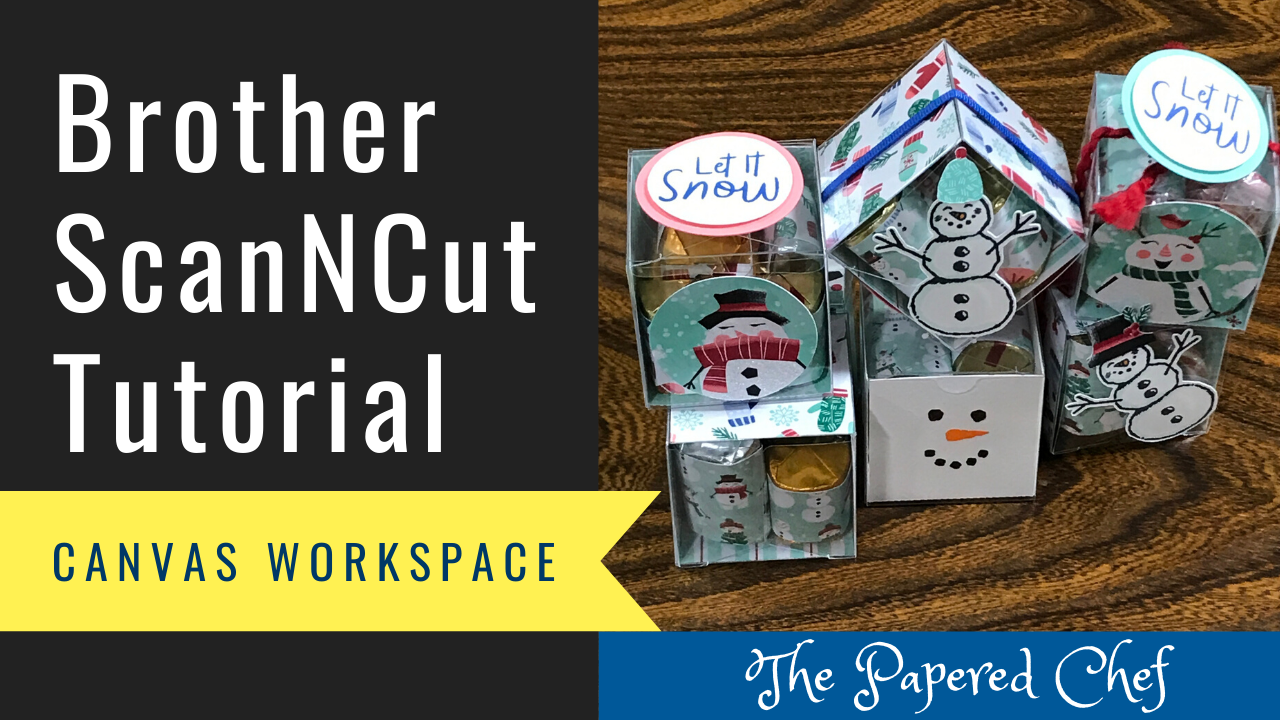
In this tutorial, you will learn how to cut out liners for the Clear Tiny Treat Boxes using your Brother ScanNCut. You will learn how to design the liner for the boxes by welding shapes together and by adding score... Read more
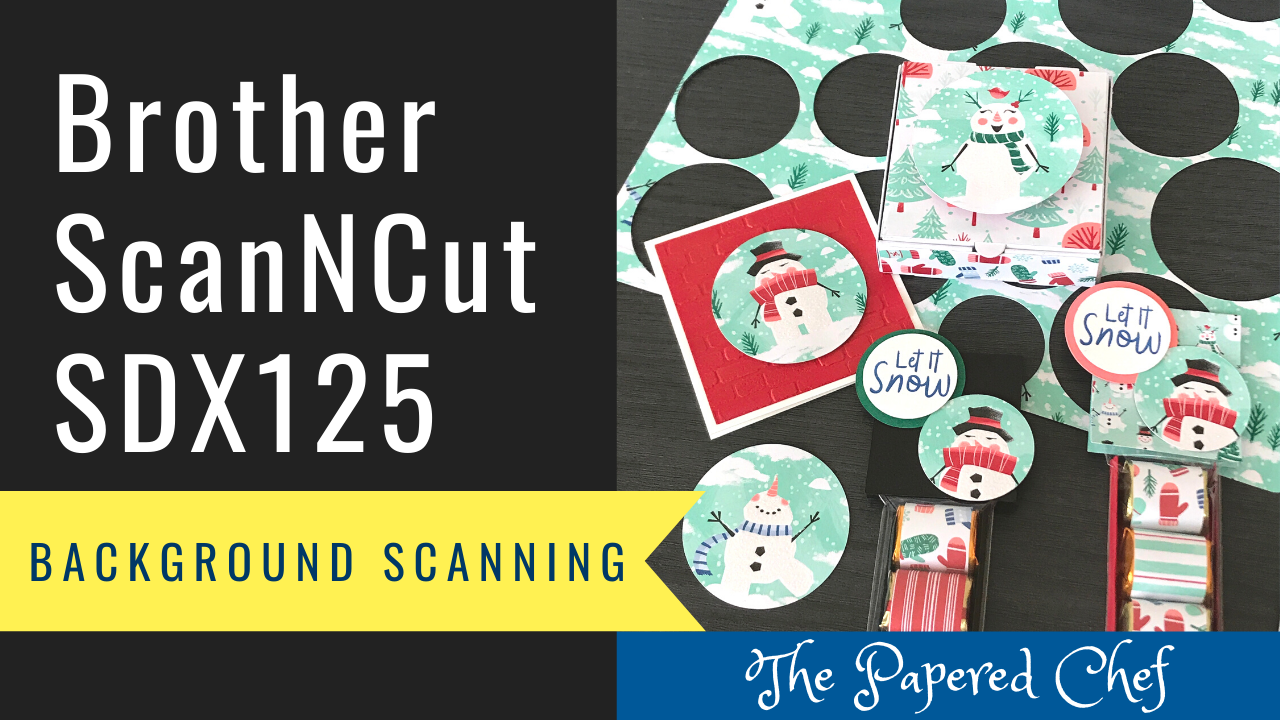
In this tutorial, you will learn how to use the Background Scanning or Background Scan feature of your Brother ScanNCut SDX125. You will learn tips and tricks for using your Scan and Cut SDX 125 for cutting out the Let... Read more
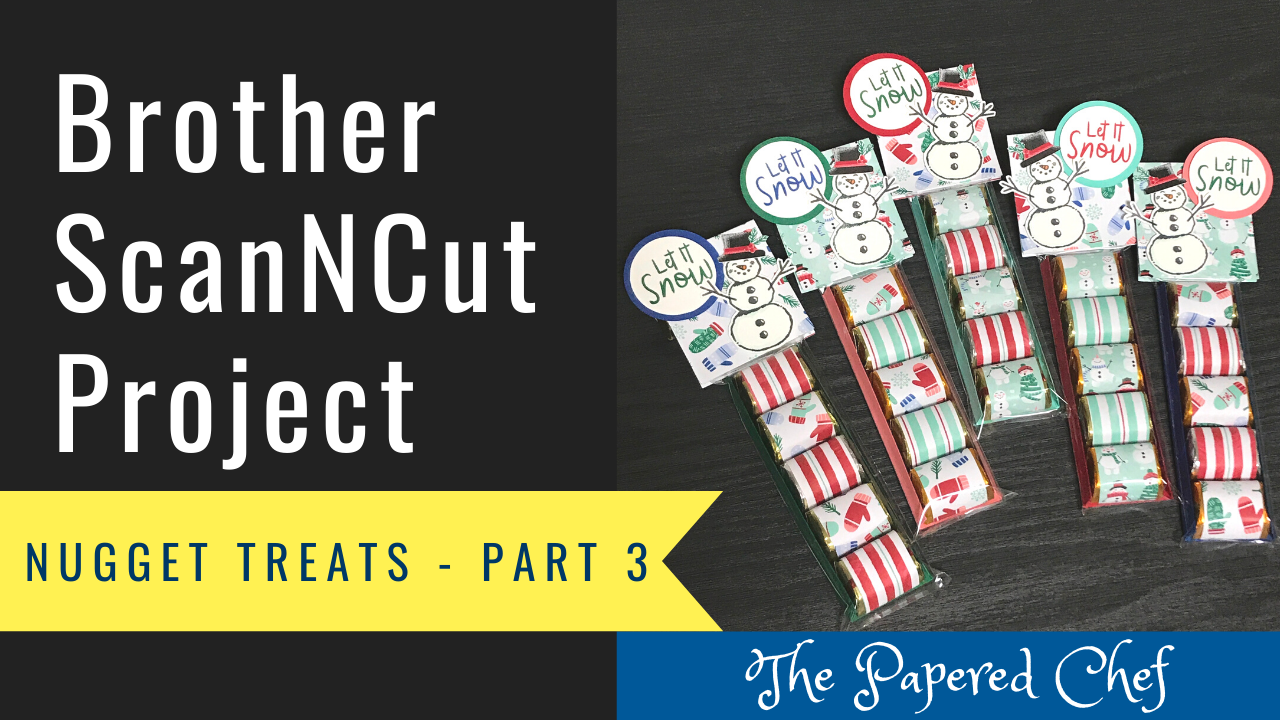
Welcome to Part 3 of my three-part Brother Scan and Cut series on creating Hershey Nugget Treats featuring the Let it Snow Suite. In this tutorial, you will learn how to cut out the card stock needed for this project... Read more
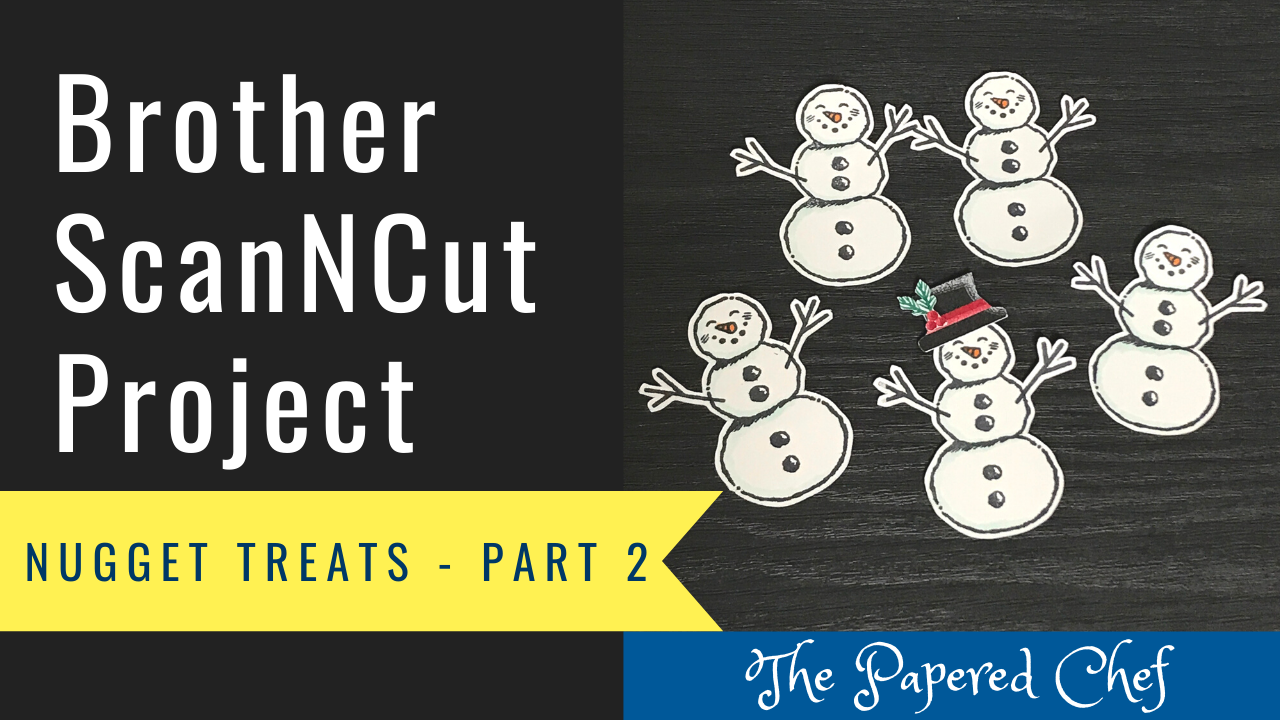
Welcome to Part 2 of my three-part Brother Scan and Cut series on creating Hershey Nugget Treats featuring the Let it Snow Suite. In this tutorial, you will learn how to cut out the stamped images needed for this project... Read more
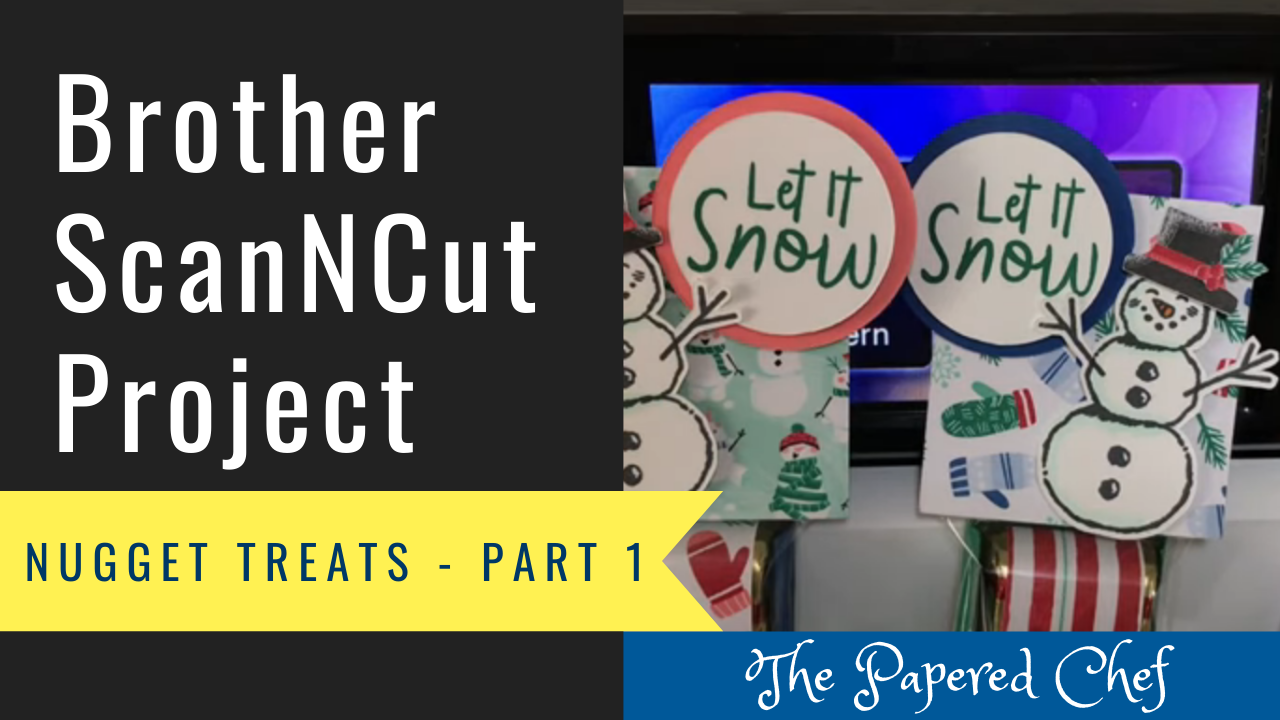
Welcome to Part 1 of my three-part Brother Scan and Cut series on creating Hershey Nugget Treats featuring the Let it Snow Suite. In this tutorial, you will learn how to cut out the patterned paper needed for this project... Read more
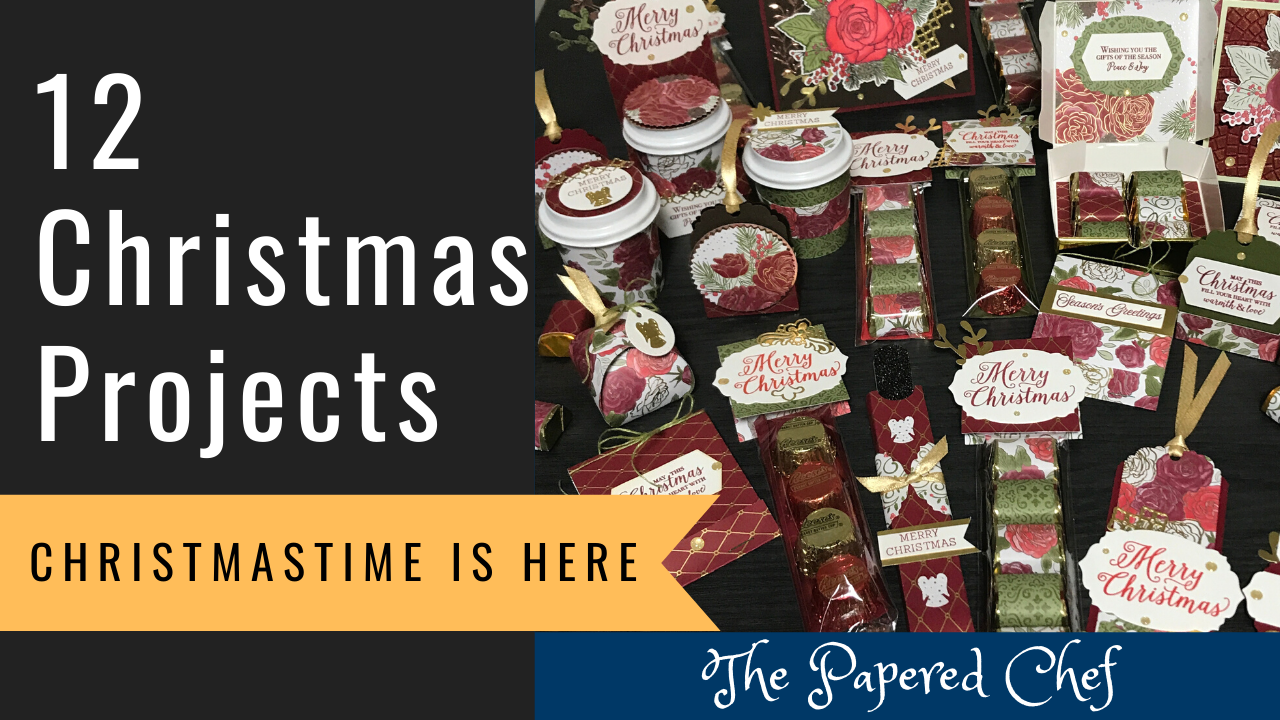
On November 1st, 2019, Stampin’ Up! released a new, limited-time exclusive suite called Christmastime is Here. In this video, I share 12 different styles of projects you can create using products from this suite. All together, I shared 25 unique... Read more
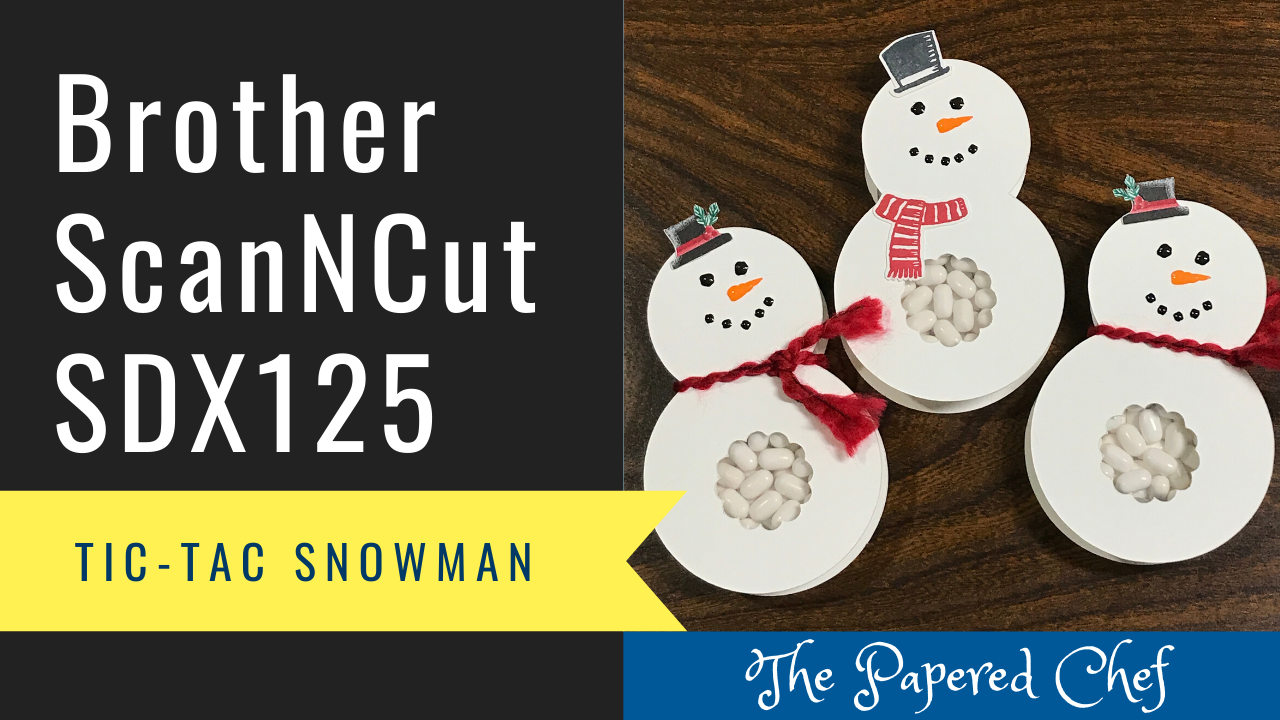
In this ScanNCut tutorial, you will learn how to create Snowman Tic Tac Snowman Treats using the Brother Scan and Cut SDX125. The Tic Tac snowman treats which are great for stocking stuffers, holiday gifts, Christmas craft fairs, holiday bazaars... Read more
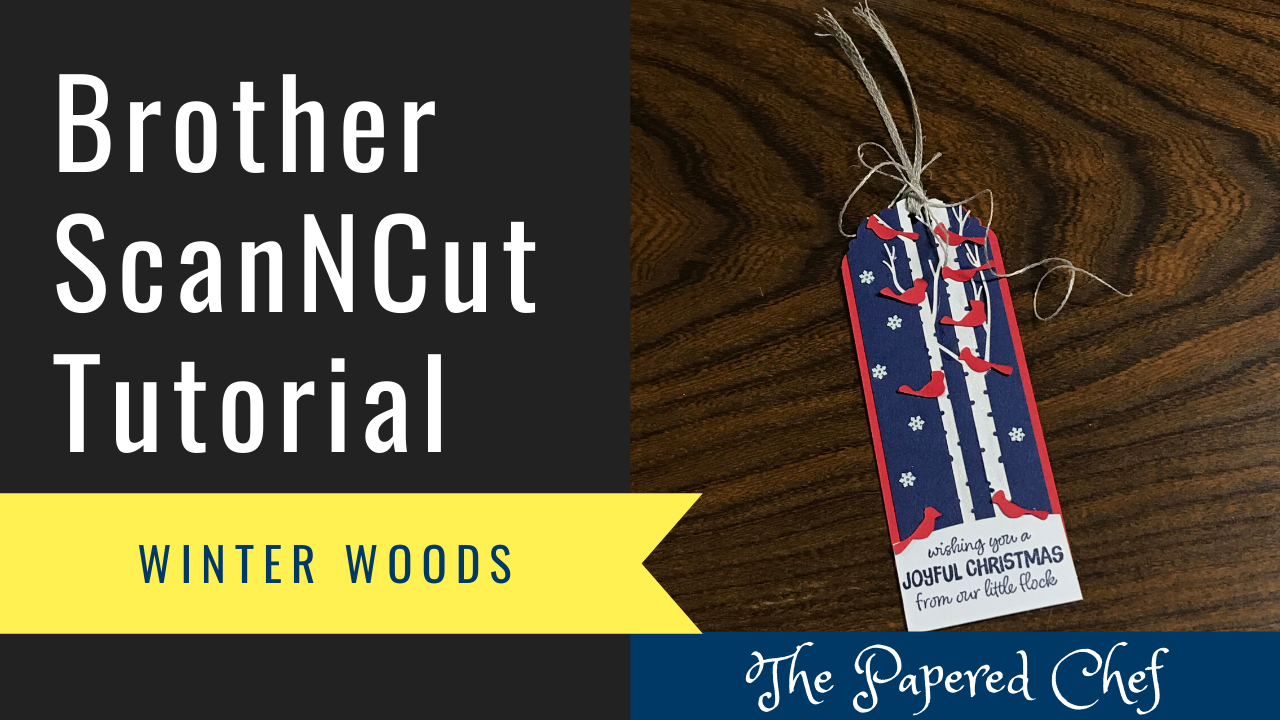
In this Brother Scan and Cut tutorial, we will use the ScanNCut SDX125 to cut out cardinals from the stencil inside of the October 2019 Paper Pumpkin kit: Winter Woods. First, attach the Poppy Parade stencil to a piece of... Read more
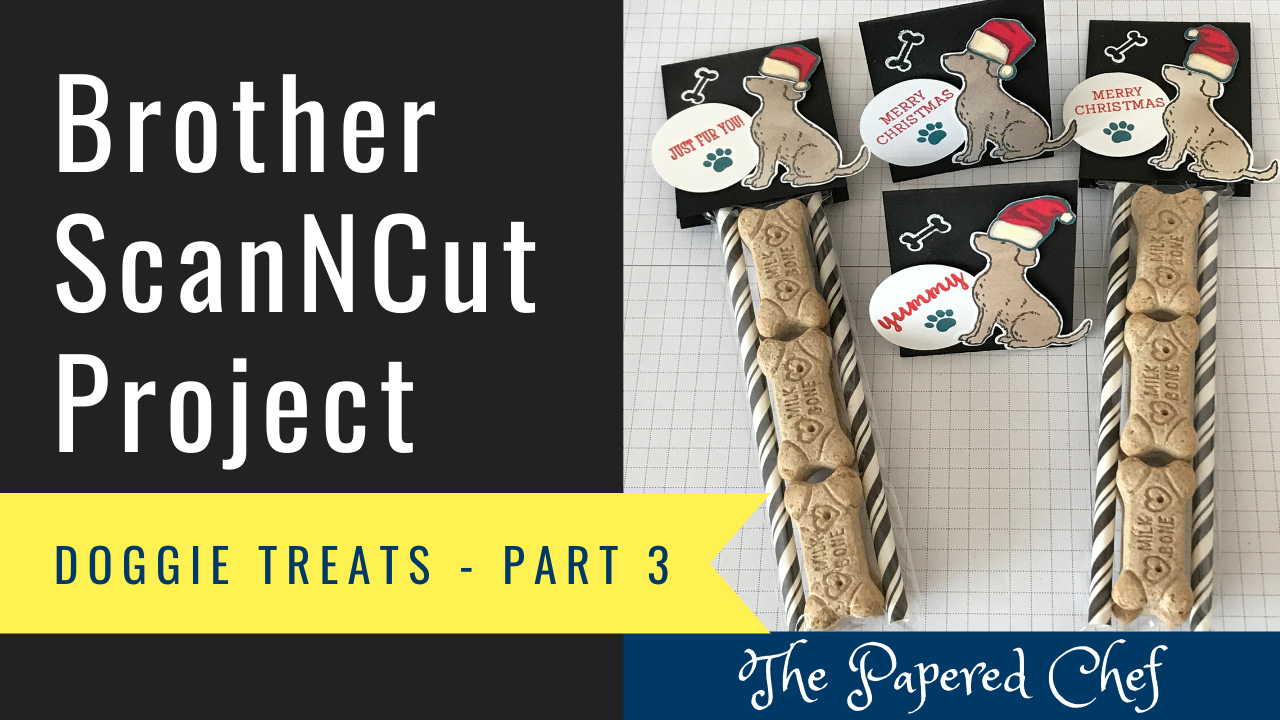
Welcome to Part 3 of my 3 part series on creating Doggie Treats. In this tutorial, I share how to cut cut the treat toppers using the Brother ScanNCut. I shared how you would use the Background Scan or Background... Read more
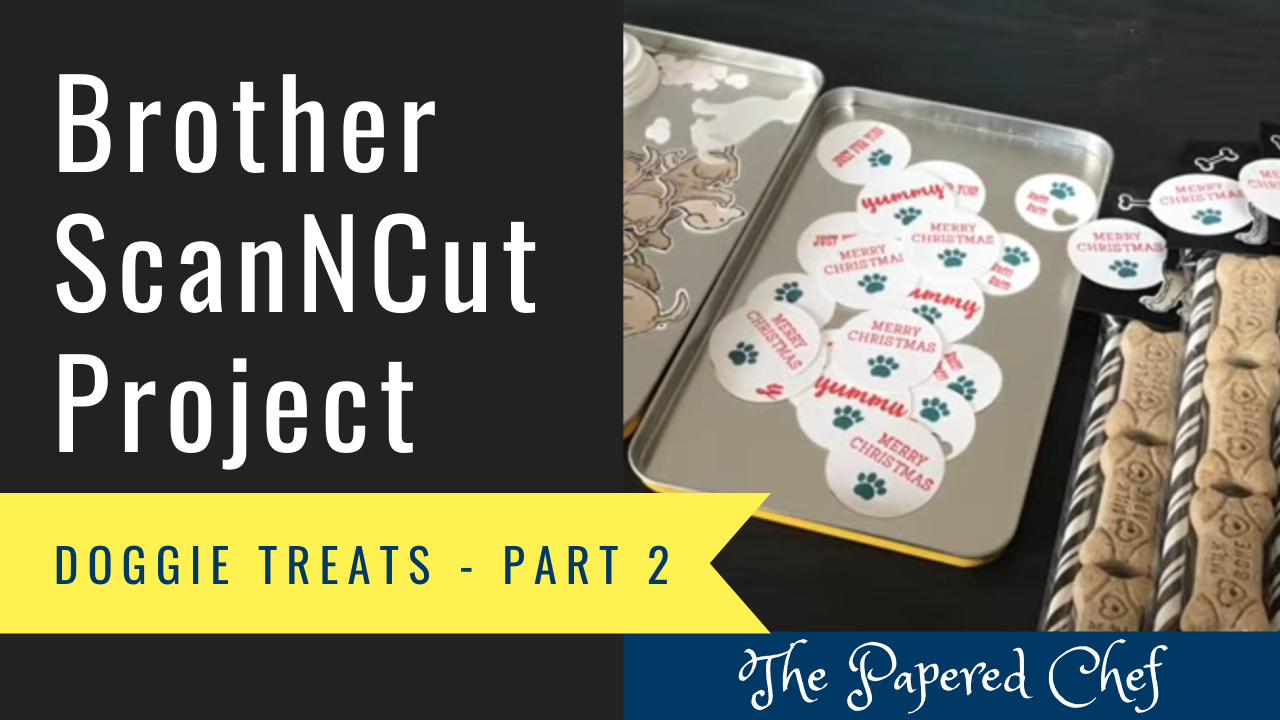
Welcome to Part 2 of my 3 part series on creating Doggie Treats. In this tutorial, I share how to cut shapes and patterned paper using the Brother ScanNCut. I shared how to change your pattern interval so that you... Read more