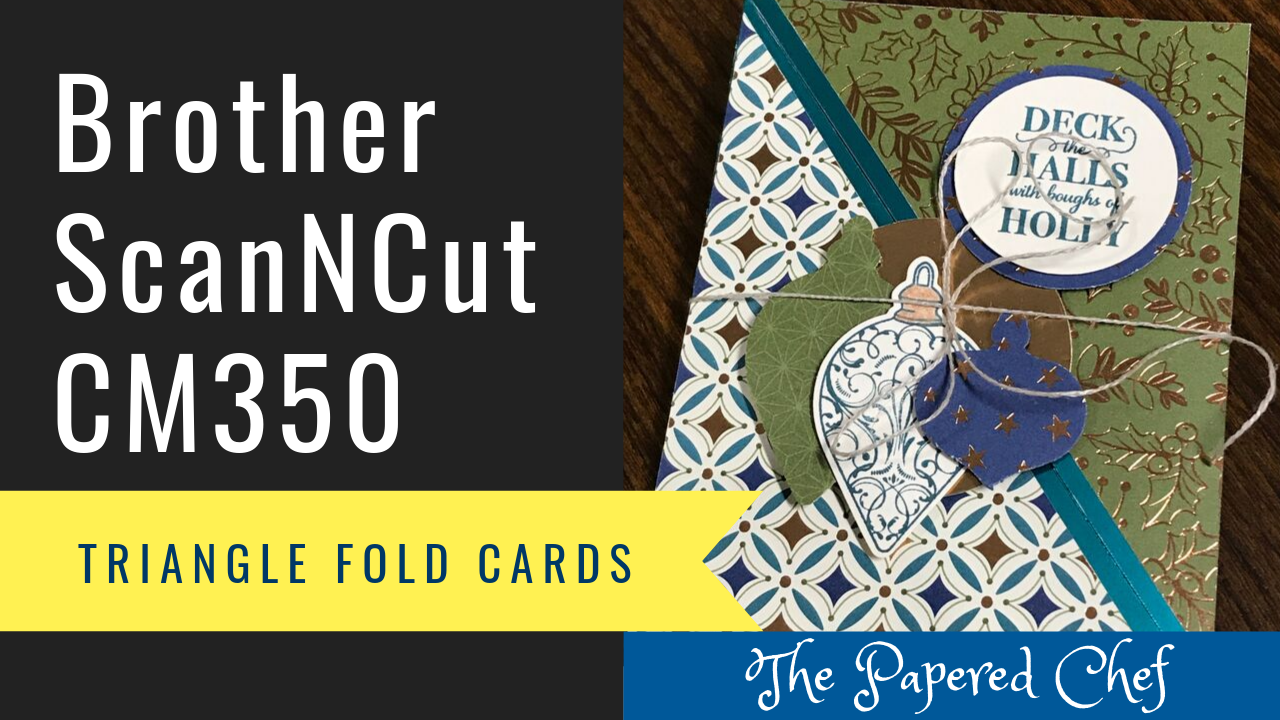
In this tutorial, you will learn how to create a triangle fold card. This post contains two videos. The first is the tutorial featuring the Brother Scan and Cut SDX125. The second is the tutorial featuring the ScanNCut CM350. First,... Read more
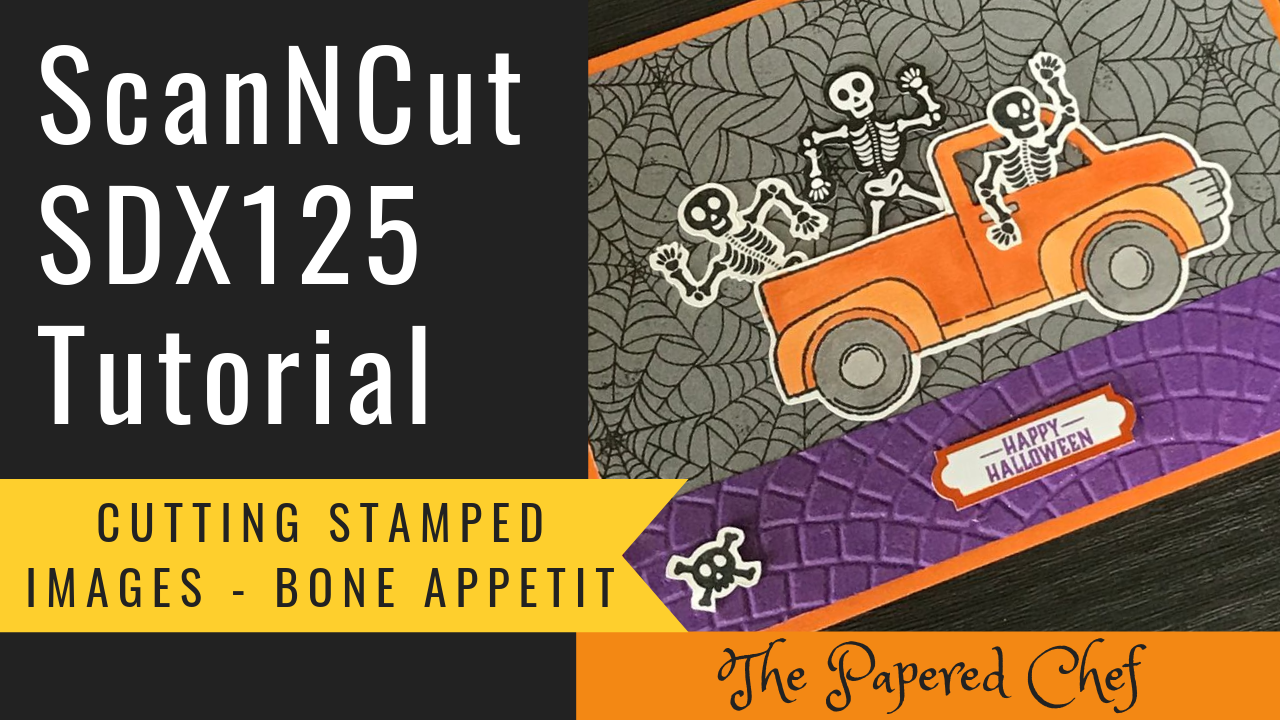
In this Brother ScanNCut tutorial, you will learn how to cut out stamped images with your Scan and Cut SDX125. The stamp set used for this tutorial is from Bone Appetit, the September 2019 Paper Pumpkin Kiit by Stampin’ Up!... Read more

In this ScanNCut Tips & Tricks video, you will learn how to use the Background Scan or Background Scanning feature of your SDX125. The other models of Scan and Cut have this feature as well. The paper we are using... Read more
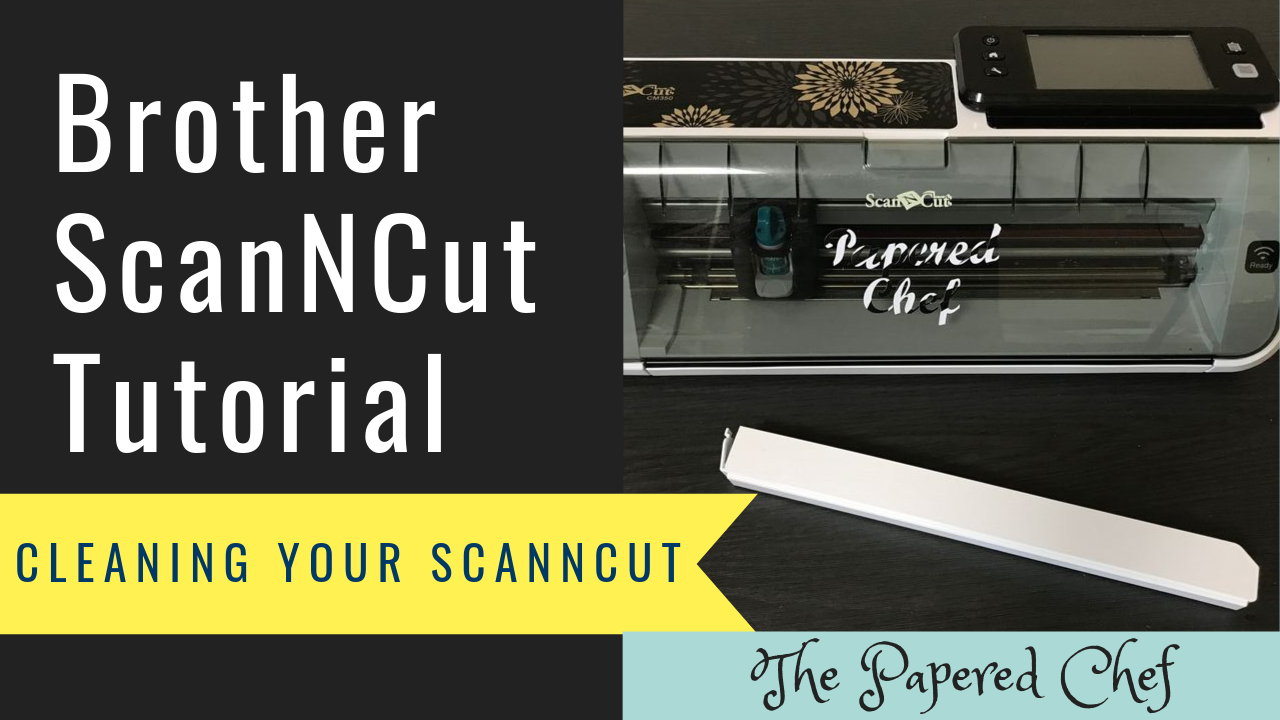
In this ScanNCut Tips & Tricks tutorial, I show you how to clean your Brother ScanNCut CM350 or Scan and Cut 2. It was time to clean mine so I wanted to share how I clean my machine. It was... Read more
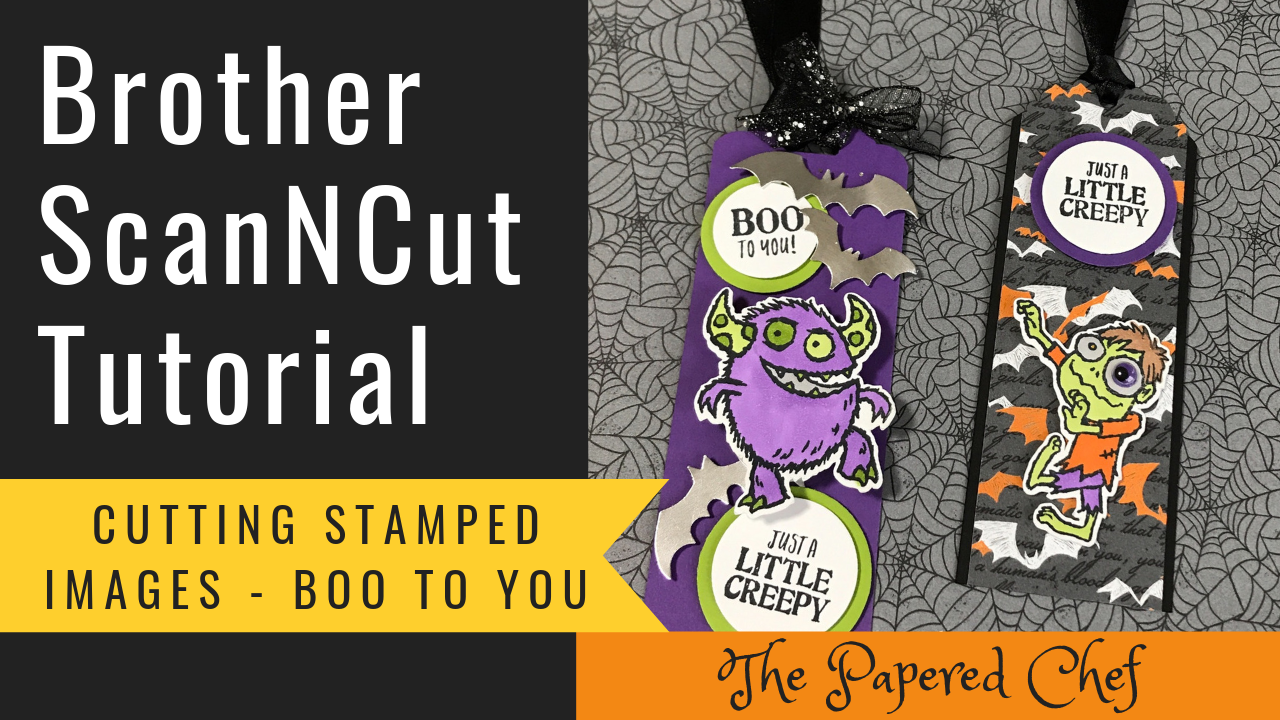
In this Brother ScanNCut tutorial, you will learn how to cut out stamped images with your Scan and Cut CM350 and the SDX125. The stamp set used for this tutorial is Boo to You by Stampin’ Up! This stamp set... Read more
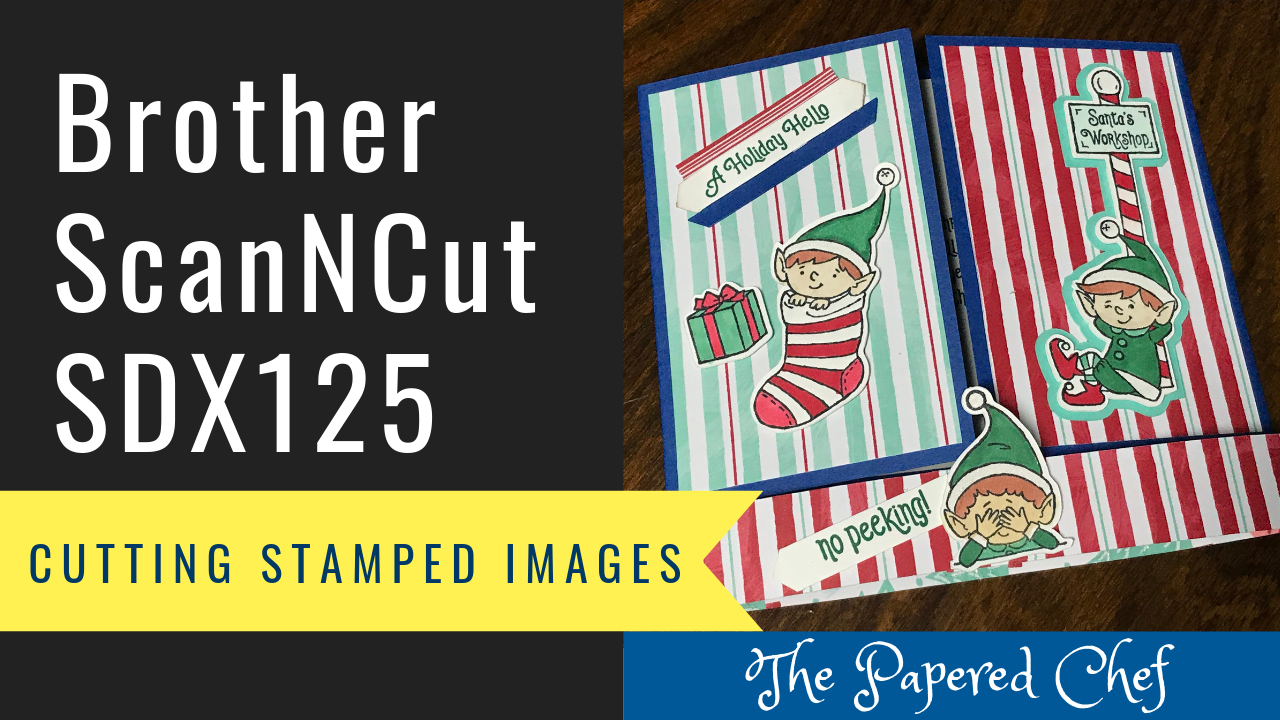
In this Brother ScanNCut tutorial, you will learn how to cut out stamped images with your Scan and Cut SDX125. The stamp set used for this tutorial is #Elfie by Stampin’ Up! This stamp set is in our 2019 Holiday... Read more
Brother ScanNCut – Resticking your Mat – Sticky Mat Adhesive, Two-Way Glue & Pollyanna’s Cutting Mat
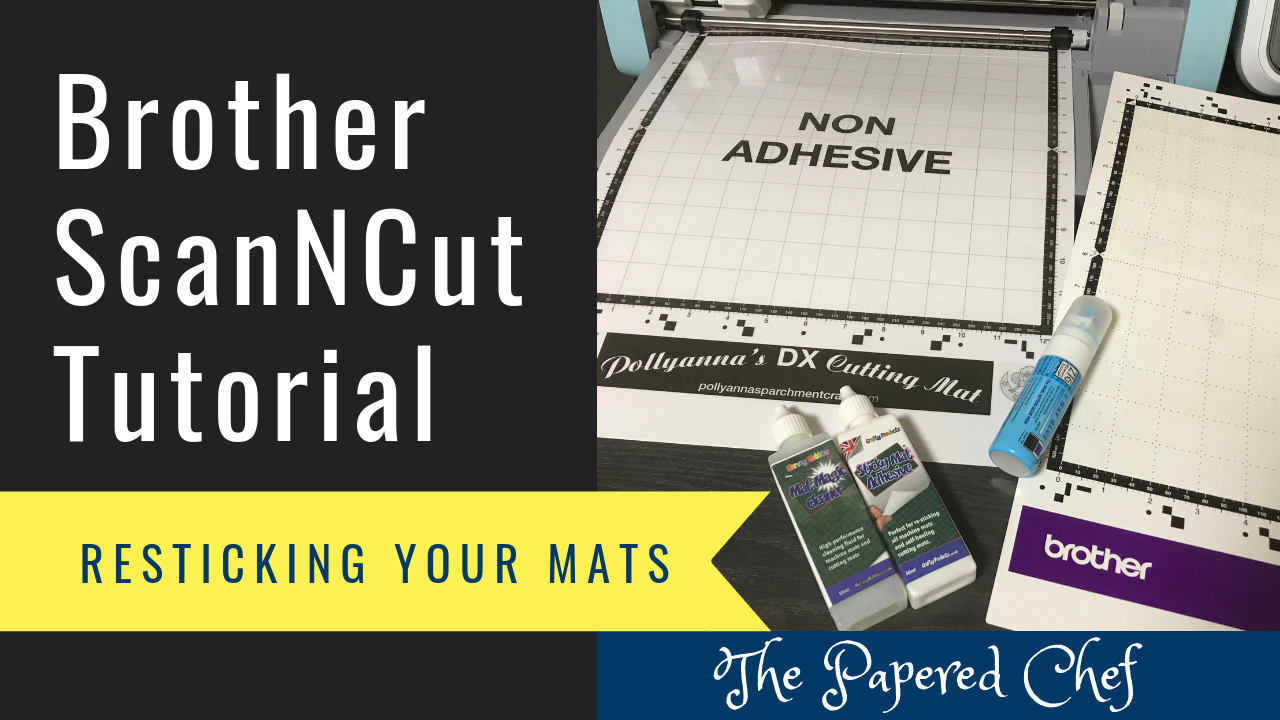
In this Brother ScanNCut Tutorial, you will learn how to restick your mat and observe as I experiment with another type of mat which is compatible with the Brother Scan and Cut – a non-adhesive one. Resticking or retacking your... Read more
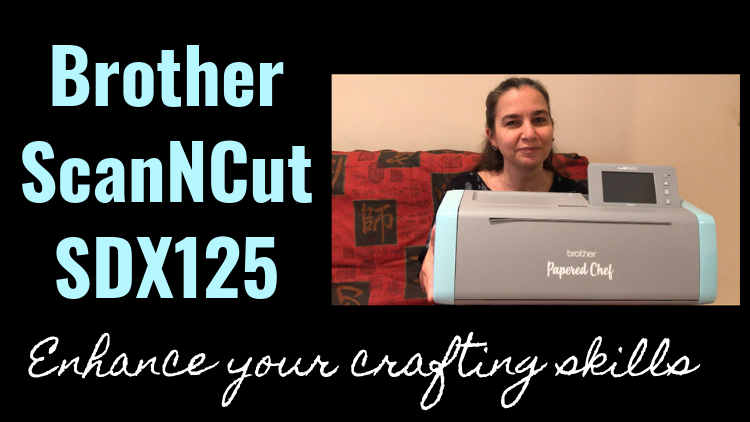
Enroll in the Brother ScanNCut SDX125 course for $9.99 Today Would you like to take your crafting skills to a whole new level with the help of your Brother ScanNCut SDX125? This course is loaded with practical examples and projects.... Read more
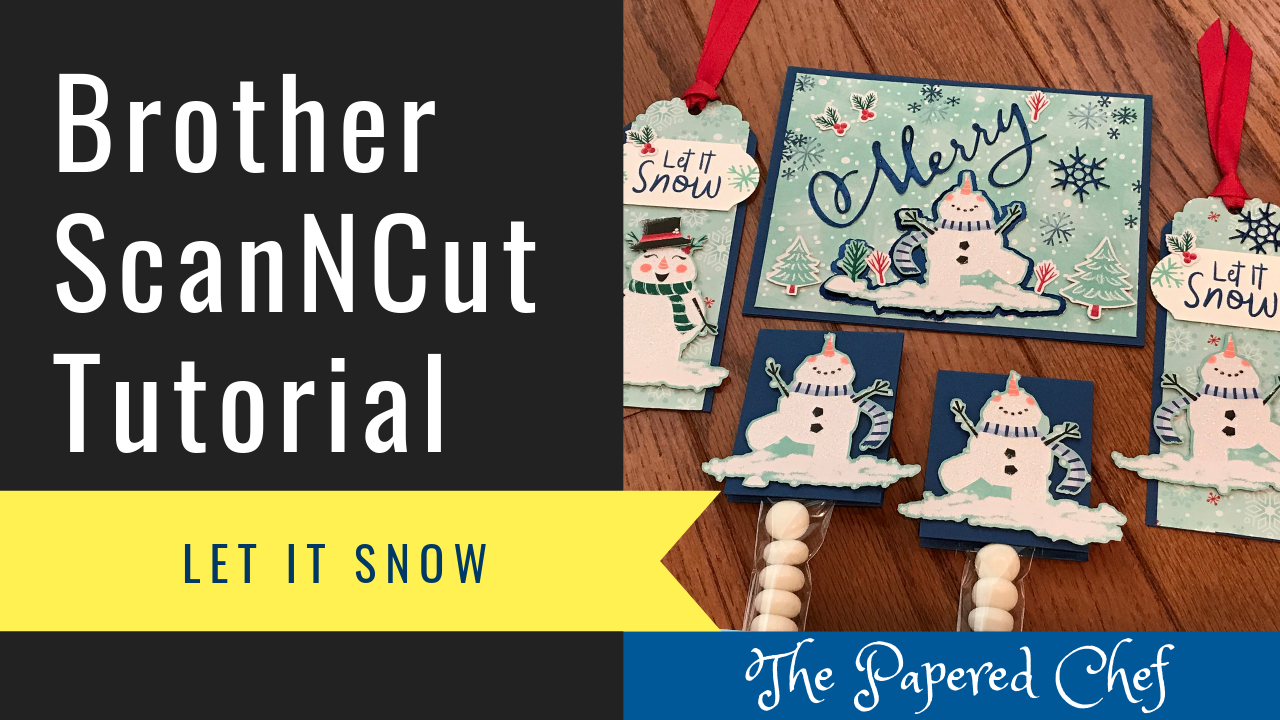
In this tutorial, you will learn how to cut out patterned paper using the CM350 or ScanNCut 2. The paper we are using is a sheet of snowmen from the Let it Snow specialty designer series paper pack by Stampin’... Read more
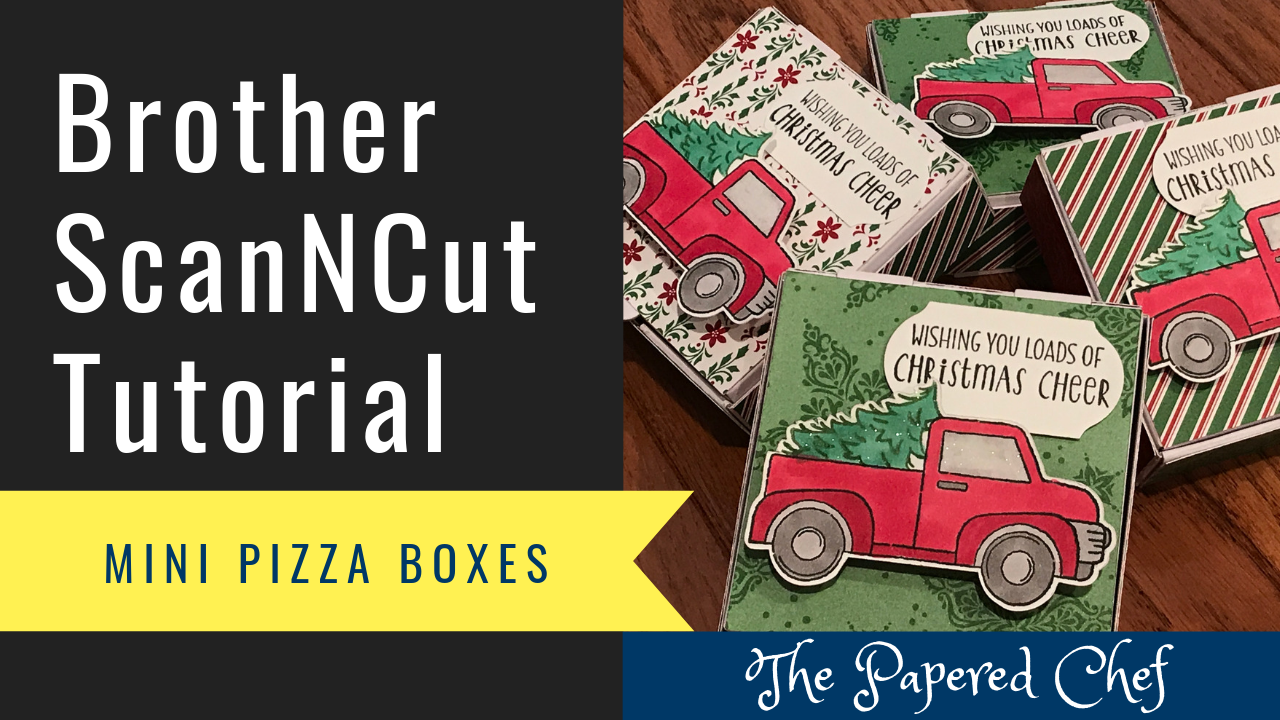
In this tutorial, you will learn how to use your Brother ScanNCut to decorate mini pizza boxes by Stampin’ Up! First, we used patterns to create the shapes to cut out using the Dashing Along dsp. I attached the larger... Read more